Bank Reconciliation: A Control System for Cash Flow
Discover bank account reconciliation best practices, automation tips, and practical steps to improve cash flow and financial control.
Your books say one thing, your bank says another. Bank account reconciliation is the process of proving why.
The objective is to align the cash balance in your general ledger with the corresponding balance reported by your bank. Discrepancies are inevitable; identifying and documenting each one is the core of the discipline.
Why Reconciliation is a Core Financial Control
For financial leaders at professional services firms, this isn't an administrative task. It's a fundamental control mechanism for cash, your most liquid asset.
A disciplined reconciliation process provides an accurate, near-real-time view of your cash position. This clarity is the foundation for every operational and strategic decision.
Operating without it means you're relying on flawed data. This introduces significant risk—from undetected fraud and duplicate payments to inaccurate forecasts that undermine your ability to manage and improve cash flow.
For firms billing $3M–$50M annually, a weak reconciliation process can mask cash flow problems for weeks. A single, high-value unapplied payment can distort Days Sales Outstanding (DSO) and lead to poor decisions on client credit or capital allocation.
From Tactical Chore to Strategic Insight
A well-executed reconciliation workflow shifts from a reactive burden to a proactive intelligence source. It's your primary defense for maintaining financial integrity.
The operational benefits are measurable:
- Fraud Detection: Unauthorized withdrawals or fraudulent checks are identified immediately. A firm with a lax process may not detect theft for 30-45 days, at which point recovery is unlikely.
- Error Correction: Bank errors or internal mistakes, like a duplicate invoice payment, are caught before they compound into material issues.
- Forecast Accuracy: Reliable cash flow models cannot be built on unverified data. Reconciliation provides the validated cash position that underpins all financial planning.
To manage cash and controls effectively, reconciliation must be integrated with other foundational bookkeeping practices. This discipline ensures every financial decision is based on verified data, not assumptions.
Mastering bank reconciliation provides control. It validates the accuracy of your accounts receivable and payable records, confirms your AR software is performing correctly, and ensures your financial statements are a true representation of the business.
Executing a Flawless Reconciliation Workflow
A repeatable, methodical workflow is the engine of accurate bank reconciliation.
For professional services firms managing high-value client payments and complex project billing, the process must be flawless. This is where you maintain absolute control over cash, moving from raw data to actionable insight without ambiguity.
The process begins with two documents: the bank statement for the period and the corresponding general ledger (GL) cash account report. One is the external record (the bank); the other is the internal record (your books).
The goal is to transform verified data into a reliable strategy for managing the firm's financial health.
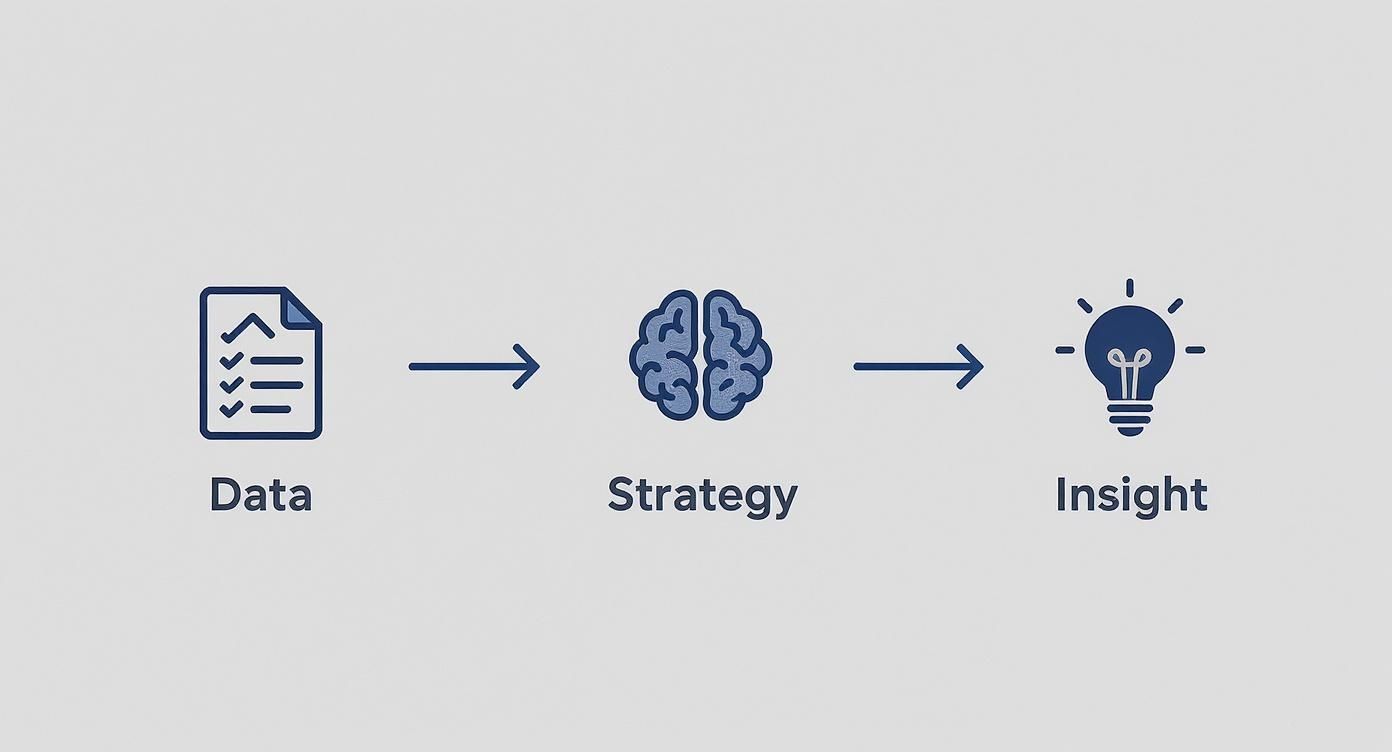
This is the work of transforming routine accounting into a strategic advantage.
The Systematic Comparison Process
With both documents, the comparison begins. This is a structured, line-by-line validation.
- Match Deposits: Compare every deposit on the bank statement to credit entries in your GL. For firms using accounts receivable automation, this step is simplified, as software pre-matches ACH or wire payments to open invoices.
- Match Withdrawals: Compare all withdrawals, checks, and debits on the bank statement to debit entries in your GL. Scrutinize all outflows, from payroll to vendor payments.
- Identify Bank-Only Items: Note transactions on the bank statement that are not in your GL. These are typically bank service fees, interest earned, or auto-debits.
- Identify Book-Only Items: Isolate transactions in your GL that have not yet cleared the bank, such as outstanding checks or deposits in transit.
This methodical process ensures nothing is missed and prepares you to investigate variances. It’s a core discipline within the payment lifecycle, which you can explore further in our guide to understanding the order-to-cash process.
Investigating and Classifying Discrepancies
With a list of mismatched items, the investigation begins. Discrepancies typically fall into one of three categories.
A common scenario for a services firm: a client sends a single ACH payment for three separate invoices. If your team records it in the GL as one lump sum but applies it incorrectly, it creates a reconciliation issue that misstates both cash and accounts receivable balances.
Common Discrepancy Types:
- Timing Differences: The most frequent and least concerning. A check mailed on the 30th is recorded in your GL but doesn't clear the bank until the 2nd of the next month. This is a temporary variance.
- Bank Errors: Rare, but they occur. A deposit posted to the wrong account or an incorrect transaction amount requires a call to the bank for correction.
- Internal Errors or Omissions: This includes data entry mistakes, unrecorded manual checks, and unrecorded bank fees or interest that must be added to your GL.
For example, a $5,000 deposit in the bank statement that is not in your accounting software requires immediate investigation. This could signal a breakdown in your accounts receivable process or an unrecorded payment skewing your cash flow forecasts.
After identifying all discrepancies, you create adjusting journal entries for items like bank fees or interest. The final reconciliation report must explain every variance, creating a critical part of your audit trail.
***
Manual vs. Automated Reconciliation Workflows
The operational difference between a manual, spreadsheet-driven process and an automated one is stark.
One is a reactive, error-prone task. The other is a proactive system that strengthens financial control.
Stage | Manual Process (Spreadsheet-Based) | Automated Process (Integrated Software) |
|---|---|---|
Data Gathering | Manually download bank statements and GL reports. Copy-paste data into spreadsheets. | Software automatically syncs with bank feeds and the general ledger, pulling data in real-time. |
Transaction Matching | Visually scan and manually "tick and tie" hundreds of lines. Highly tedious and error-prone. | AI-powered rules automatically reconcile the vast majority of transactions instantly. |
Exception Handling | Spend hours investigating every mismatch. The process stalls until each is resolved. | Flags only true exceptions for human review, providing context and suggested actions. |
Adjusting Entries | Manually calculate and create journal entries in the accounting system, risking keying errors. | Automatically suggests and posts adjusting entries for items like bank fees or interest. |
Reporting | Manually compile a summary report. Data is often stale by the time it's complete. | Generates real-time, audit-ready reconciliation reports with a single click. |
A manual process is fragile; it relies on perfect execution. An automated workflow removes the mechanical work, freeing your team to apply judgment to the exceptions that matter.
KPIs for Measuring Reconciliation Performance
"What gets measured gets managed." For financial controls, this is doctrine.
To move from a task-based approach to a performance-oriented one, you must track specific Key Performance Indicators (KPIs). These metrics provide an objective view of efficiency, risk, and team performance.

Tracking these KPIs highlights bottlenecks and provides the data to justify investments in tools like accounts receivable automation to systematically improve cash flow.
Core Reconciliation Metrics to Track
A few specific KPIs measure the speed, accuracy, and risk within your reconciliation workflow.
- Days to Reconcile: The time from period-end to a signed-off reconciliation. A high number, like 10+ days, indicates manual friction or systemic data issues. High-performing finance teams complete this in 2-3 days.
- Number of Unreconciled Items: The total count of transactions left unresolved. A high or growing number signals deeper process issues in payables or receivables. It is a direct measure of accumulating risk.
- Value of Unreconciled Items: This metric assigns a dollar value to the items above for prioritization. A single, high-value unreconciled transaction is a greater immediate risk than dozens of small ones. A $150,000 unapplied payment requires more urgent attention than twenty $50 bank fees.
The objective is to understand the story behind the numbers. A spike in unreconciled items after onboarding a new payment processor, for instance, points to a clear operational gap that needs to be addressed.
Watching these KPIs creates a feedback loop. You can see the direct impact of process changes—like adopting new AR software for professional services—and measure the return in time saved and risk reduced.
Linking KPIs to Operational Improvements
KPIs must drive action. Consistently poor metrics indicate your workflow cannot support the firm's operational complexity.
For example, a high 'Days to Reconcile' often correlates with a high Days Sales Outstanding (DSO). The lag in confirming cash receipts keeps accounts receivable records stale, slowing collections. This is where AI AR automation delivers a direct impact.
Automating the cash application of client payments within a QuickBooks AR automation workflow can dramatically reduce DSO. Payments are applied correctly and immediately, which shortens the reconciliation cycle and reduces unreconciled items.
These metrics are diagnostic tools. They pinpoint friction in your financial operations and justify the strategic investments required to gain true control over cash.
Using Automation to Improve Accuracy and Speed
For a growing professional services firm, manual bank reconciliation is a liability. It is too slow, too fragile, and cannot scale with the complexity of the business.
Relying on spreadsheets is an operational risk that obscures cash visibility and threatens the integrity of your financial data. The logical path forward is automation.
This isn't about replacing your team; it's about equipping them with tools that eliminate low-value, repetitive work.
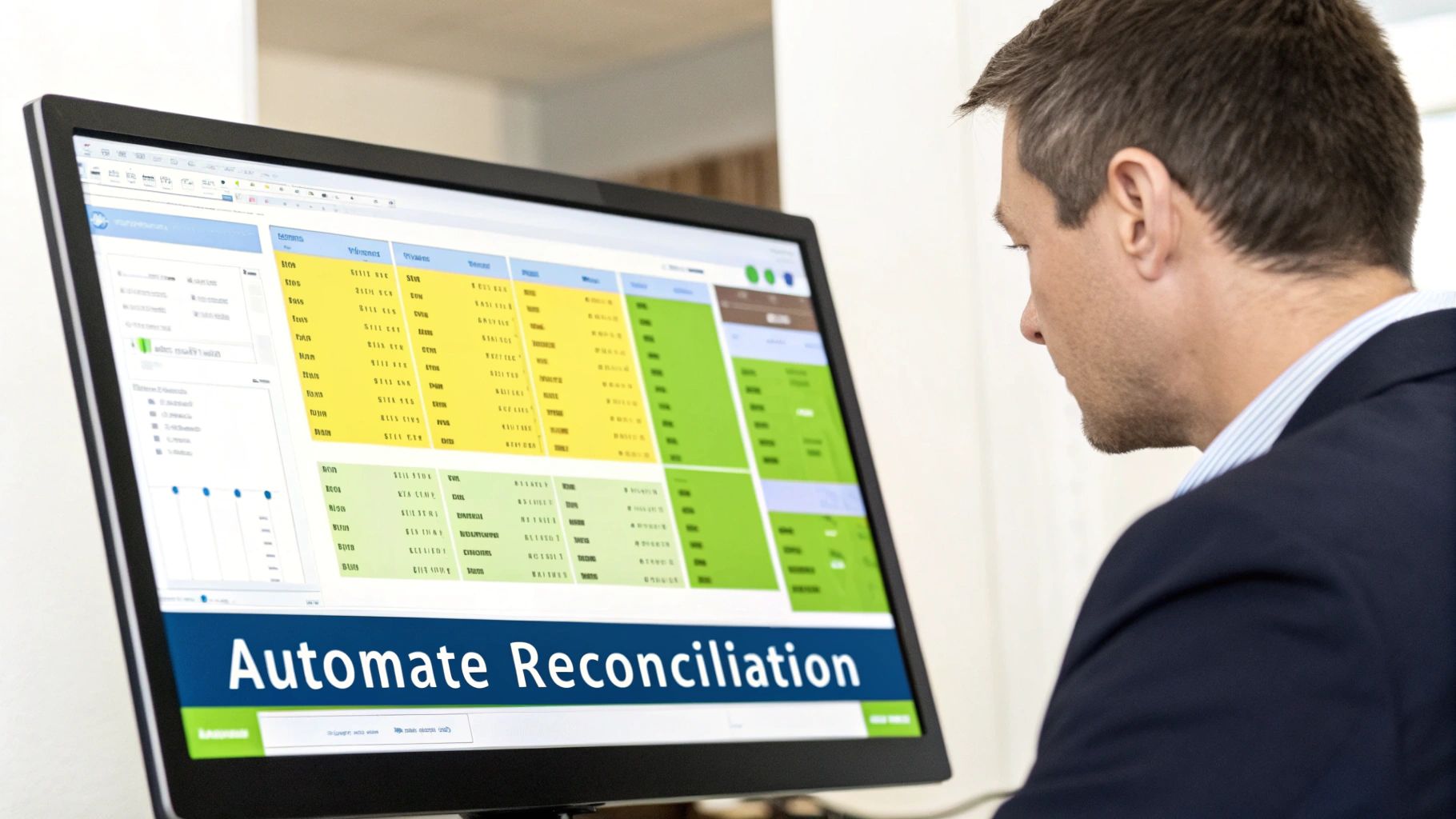
Connecting Financial Data Automatically
The core of automation is direct integration. A modern platform connects directly to your bank feeds and ERP, creating a seamless, continuous data flow. This eliminates manual downloads and uploads—a primary source of errors.
Once connected, the system automates several critical functions:
- Transaction Matching: AI-powered rules engines compare bank transactions to your general ledger in real-time. The majority of items are matched instantly without human intervention.
- Cash Application: For accounts receivable automation, this is transformative. Incoming payments are automatically matched to the correct open invoices, eliminating hours of manual work.
- Journal Entry Creation: The software can be configured to automatically create and post adjusting journal entries for recurring items like bank fees or interest.
This integration transforms reconciliation from a periodic task into a continuous verification of your financial position.
Measurable Gains in Speed and Control
Automation delivers quantifiable improvements. Modern reconciliation platforms can automate up to 95% of journal postings and achieve auto-match rates around 90%.
The impact is significant: teams report a 50% increase in productivity, month-end close times shrink by 30%, and accuracy improves to nearly 99%.
The real shift is in focus. Automation allows your finance team to stop spending 80% of their time on data entry. Instead, they can dedicate that time to high-value analysis and investigating the few exceptions that require expertise.
This directly impacts the month-end close. What once took days can be done in hours. An automated system also provides a clear audit trail, strengthening internal controls. For a deeper look at how this fits into collections, see our guide on receivable management services.
Implementing an Automated Workflow
Moving to an automated system is a strategic decision. It begins with selecting the right AR software for professional services, particularly one with robust QuickBooks AR automation if that is your firm’s ERP.
During implementation, you establish matching rules tailored to your firm. For example, rules can automatically match client ACH payments based on invoice numbers or names in the transaction description. This level of AI AR automation accelerates cash application, which helps reduce DSO and improve cash flow.
By automating the mechanical parts of bank reconciliation, you empower your finance team to move from data processors to strategic analysts.
Solving Common Reconciliation Challenges
Even a well-defined reconciliation workflow encounters obstacles. For a professional services firm, these are potential control failures that obscure your true cash position.
The goal is not just to find discrepancies but to build a resilient process that prevents them. That is the foundation of financial integrity.
High Transaction Volumes and Multiple Gateways
As your firm grows, so does the complexity of your cash inflows. You likely accept payments via ACH, wire, credit cards through Stripe, and perhaps checks. This volume from disparate sources creates a manual matching bottleneck.
The primary risk is misapplied cash. A payment is recorded but not tied to the correct invoice. This leaves the receivable open, distorts your AR aging report, and wastes resources chasing clients who have already paid, directly impacting efforts to reduce DSO.
The most critical internal control is segregation of duties. The person preparing the bank reconciliation should not be the person handling cash deposits or booking transactions. This simple control ensures a second review, making it much harder for errors or fraud to go undetected.
A controller or reviewer must sign off on every completed reconciliation. No exceptions.
Complex Cash Application for Project Invoices
Professional services firms operate on complex invoices. A single client payment might cover multiple project milestones or a retainer draw. Applying these payments manually is prone to error, especially with vague remittance advice.
This complexity leads to unapplied cash on your balance sheet, understating revenue and overstating liabilities. It degrades your ability to improve cash flow by creating a lag between cash receipt and revenue recognition.
This is where AI AR automation becomes the most effective control. The technology uses machine learning to read remittance data and intelligently match incoming payments to multiple open invoices. Systems offering QuickBooks AR automation sync this data seamlessly, maintaining clean books.
Incomplete or Delayed Bank Feed Data
Relying solely on automated bank feeds can introduce new issues. Feeds can break, transactions can be delayed, or critical data may be missing from the description. This forces your team back into manual detective work.
The key control here is a strict daily or weekly review cadence, not just a monthly one.
- Daily Cash Position Review: A 15-minute review of yesterday's bank activity against expected receipts.
- Weekly Exception Report: A formal check-in to investigate transactions that automated rules could not match.
This proactive discipline ensures data integrity issues are caught in days, not weeks. It transforms the month-end reconciliation from a forensic project into a simple final verification.
Modernizing Your Financial Operations
Bank reconciliation was historically a retrospective task—a look back to ensure the numbers aligned after the fact.
That model is obsolete.
Today, reconciliation is a real-time signal of your firm’s financial health. For leaders at growing professional services firms, a modern process is the foundation of a responsive finance function.
Moving from a manual, monthly process to an automated, continuous one provides the clarity to scale with confidence. It is about having a true, current picture of your firm's cash position.
The Strategic Value of a Modern Approach
When mastered, this process becomes a strategic advantage. It directly impacts your ability to make faster, better-informed decisions.
With perpetually verified cash data, you can forecast with higher confidence and manage working capital more effectively.
This shift is driven by complexity. Firms now manage numerous payment platforms; the average online business uses more than seven. In response, AI-powered reconciliation systems can automate up to 80% of bank reconciliations and 95% of the related journal entries. More details on how AI is driving this change from optimus.tech are available.
A real-time, accurate cash position isn't a luxury; it's a prerequisite for sound financial leadership. It allows you to answer the question, "What is our exact cash status right now?" with certainty, not an estimate.
From Control to Competitive Edge
A modernized bank reconciliation process signals a mature financial operation. It marks the shift from recording history to actively shaping the firm's financial future.
This level of control frees your finance team from mechanical tasks. They can focus on analysis and strategy instead of matching line items.
It also reinforces the integrity of your entire financial system, from accounts receivable automation to final reporting. The result is an operation built on speed, accuracy, and undeniable control over your most critical asset.
A Few Common Questions
How Often Should a Firm Reconcile Its Bank Accounts?
Monthly reconciliation is the minimum standard for maintaining financial controls.
For firms with high transaction volumes or complex billing, however, a month is too long. Best practice is shifting toward weekly reconciliations to gain a clearer view of cash and correct errors quickly. The ultimate goal is continuous reconciliation, enabled by automation.
What’s the Difference Between Bank Reconciliation and Cash Application?
These are distinct but related processes.
Bank reconciliation compares the total cash balance in your general ledger to the bank statement. Its sole purpose is to verify your aggregate cash position.
Cash application is a specific accounts receivable function. It is the process of applying individual client payments to the specific invoices they are intended to settle. Clean cash application is critical for an efficient reconciliation, but its focus is on updating customer balances.
Can Automation Completely Replace a Human in Reconciliation?
Not completely, but it handles the vast majority of the work.
Automation excels at the high-volume, repetitive task of matching transactions, often clearing over 90% of entries without intervention. This drives speed and reduces human error.
However, expertise remains critical. A controller or senior accountant must still review the final report, investigate the exceptions flagged by the system, and provide the final sign-off. The role shifts from data entry to strategic oversight and problem-solving.
--- Resolut automates AR for professional services—consistent, accurate, and human. Learn more at https://www.resolutai.com.