Template for Accounts Receivable: 10 Options Compared
Review 10 downloadable options in this template for accounts receivable guide, with use cases, customization tips, and honest limitations.
It's the second Monday of the month. Your aging report is three weeks old, several clients have made partial payments, and the account manager's balance doesn't match finance's workbook. Before anyone calls the client, someone has to establish what's outstanding.
The fix is rarely a bigger system by default. It's a format that matches how often your team reviews receivables, how many open invoices it carries, and how much information someone must re-enter.
For CFOs, controllers, and owners of professional services firms with $3M–$50M in revenue, choosing a template for accounts receivable means choosing a working control. A customer statement, an aging workbook, and an accounting report solve different problems.
Start with the format your collection problem actually needs. Don't build another ledger if the accounting system already holds the current balance.
These ten free templates and built-in reports aren't ranked from best to worst. Each suits a different operating stage, from explaining a customer balance to coordinating recurring collections.
Track Days Sales Outstanding (DSO) at the same cadence as your review. A monthly workbook you reconcile is more useful than a complex dashboard nobody trusts. If billing preparation is the upstream problem, find templates for client estimates before redesigning collections.
1. Smartsheet Accounts Receivable Template
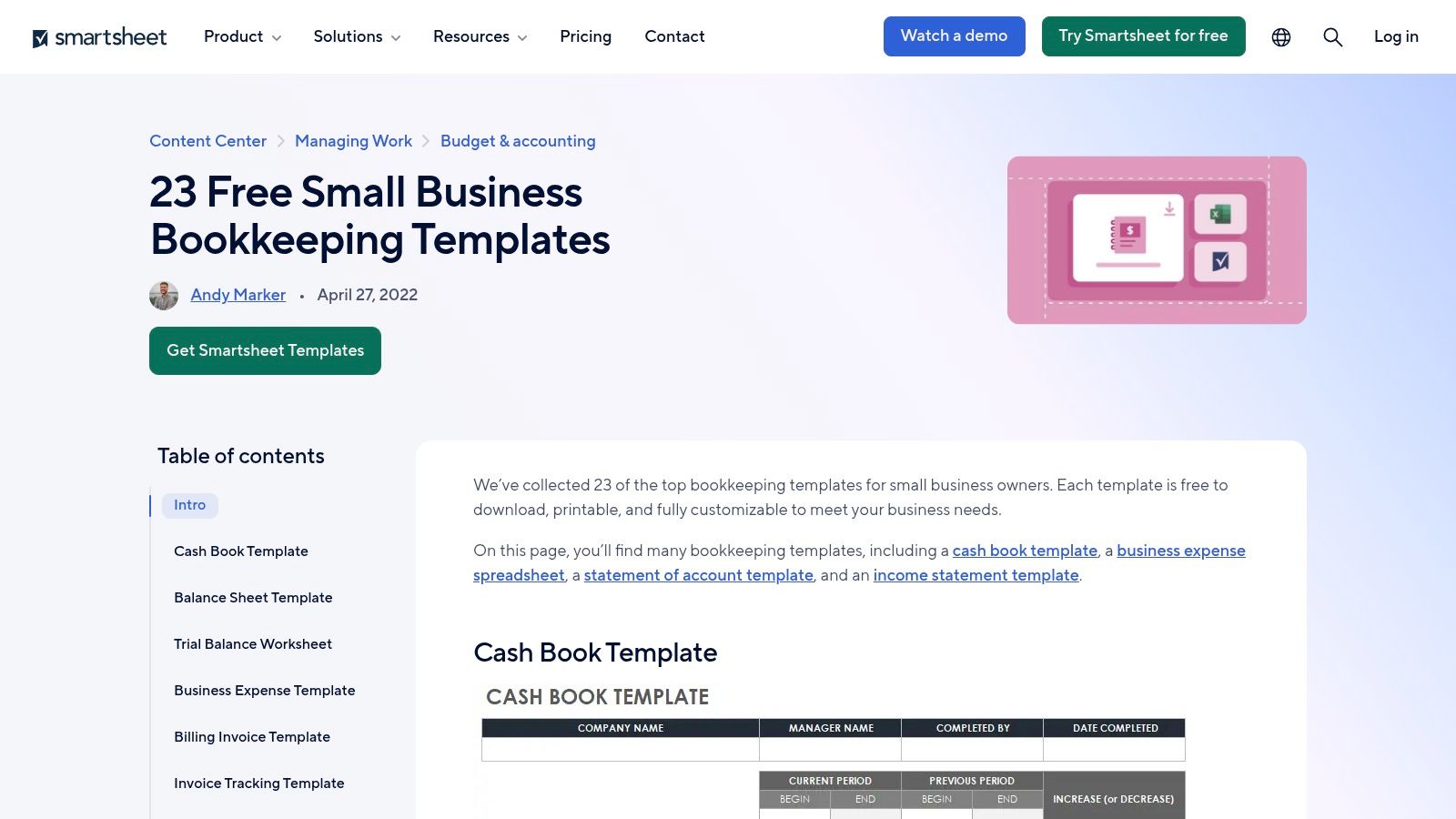
Best fit for a small open-invoice book with a single reviewer. The free Smartsheet accounts receivable template connects a customer payment ledger to an aging tab. Excel and Google Sheets versions give spreadsheet-comfortable teams a familiar starting point.
The useful feature is that connection. Enter invoices, terms, amounts, and payments in the ledger, then review current and overdue balances without assembling a separate aging summary.
Where the workbook stops working
Manual entry remains the controlling constraint. If someone updates receipts only before the review meeting, the aging tab reflects that delay, regardless of how well its formulas work.
- Works well when one person can enter activity and reconcile the workbook before each review.
- Breaks when invoice creation, payment posting, and spreadsheet updates become separate recurring jobs.
- Move to an accounting-system aging report when maintaining the duplicate ledger takes longer than reviewing exceptions.
For a consulting firm billing retainers and project milestones, keep invoice IDs consistent with the accounting system. Record partial receipts against the original invoice rather than overwriting its original amount.
This isn't an accounting subledger, and it doesn't send reminders or collect payments. Use it as a controlled working view, not a second version of the books.
Visual idea: Show the ledger beside its aging tab, highlighting how a partial receipt changes the remaining balance without changing the invoice's original value.
2. Chaser Accounts Receivable Templates and Dashboard
A dashboard helps when the finance meeting needs a portfolio view rather than a discussion of every invoice. Chaser's free accounts receivable resources include Excel and Google Sheets templates, plus a separate dashboard template.
These resources cover invoice and payment tracking, aging, and receivables performance. They're separate from Chaser's paid accounts receivable automation software, so downloading a workbook doesn't provide automated chasing.
Separate presentation from collection work
The dashboard is useful for answering where exposure sits. It won't establish who contacted the customer, whether procurement rejected the invoice, or whether a payment promise remains credible unless someone maintains that information.
The stopping point is review frequency. When leaders want refreshed figures between scheduled reviews, a manually maintained dashboard can create more preparation work than decision value.
A polished dashboard isn't a collection workflow. Every overdue balance still needs an owner, a reason, and a next action.
Keep dashboard inputs tied to a reconciled ledger or accounting export. Don't let account managers type alternative balances directly into presentation cells.
Chaser suits teams that want to organize reporting before evaluating dedicated collections software. Download requirements may require navigating its resource page, and the workbook still needs manual upkeep.
Move beyond it when staff spend their time assembling management views while customer follow-up waits. Better charts won't resolve that queue.
3. Bookkeeping Sheets AR Aging Report Template
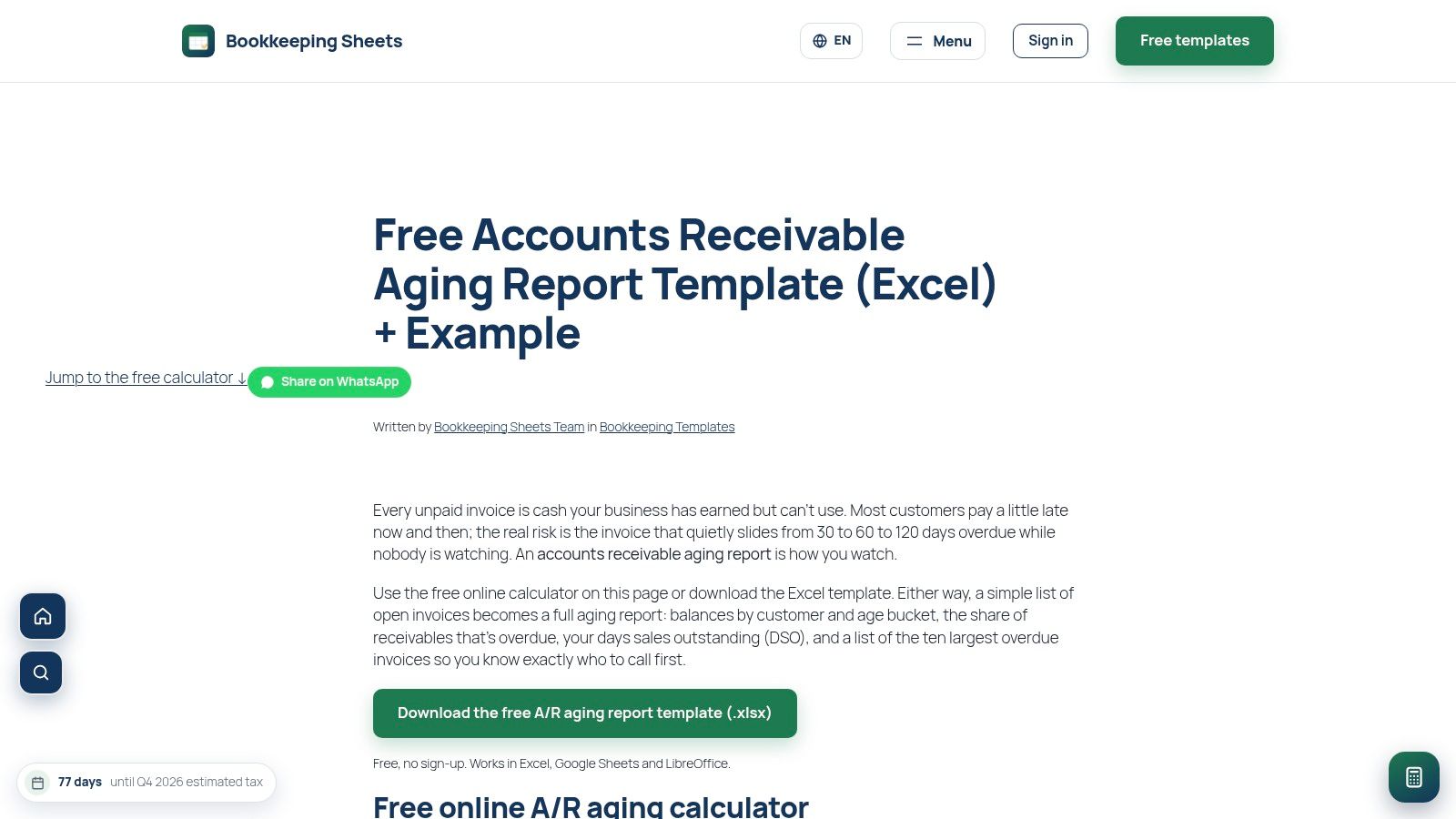
Say a client pays part of a milestone invoice but disputes the remaining work. A balance-only tracker leaves the collector guessing. The Bookkeeping Sheets AR aging workbook adds last-contact and next-step fields alongside unpaid invoices and partial payments.
It calculates outstanding balances and days past due, supports adjustable aging buckets, and includes a DSO input. A worked example helps teams understand the intended setup, and the workbook supports Excel, Google Sheets, and LibreOffice.
- Useful control: Keep the disputed amount identifiable rather than treating the entire account as an ordinary overdue balance.
- Useful handoff: Record the next action and responsible person before ending the review.
- Main limitation: Nobody receives that action automatically just because it appears in a cell.
When follow-up fields become a queue
This format suits a controller who wants aging reviews to produce collection tasks. It's more operational than a simple balance list, but accurate entry still determines whether the output is usable.
The break point arrives when staff must search rows repeatedly to discover what they owe the process. At that stage, you need assigned work, reminders, and a shared activity history rather than additional columns.
Protect formula ranges and test calculations after extending the workbook. Capacity and formulas may need adjustment as the invoice book grows.
To reduce DSO, use the next-step field to name a concrete dependency, such as obtaining a missing purchase order. Another generic reminder won't fix an approval blockage.
4. Wolters Kluwer BizFilings Customer Statement of Account
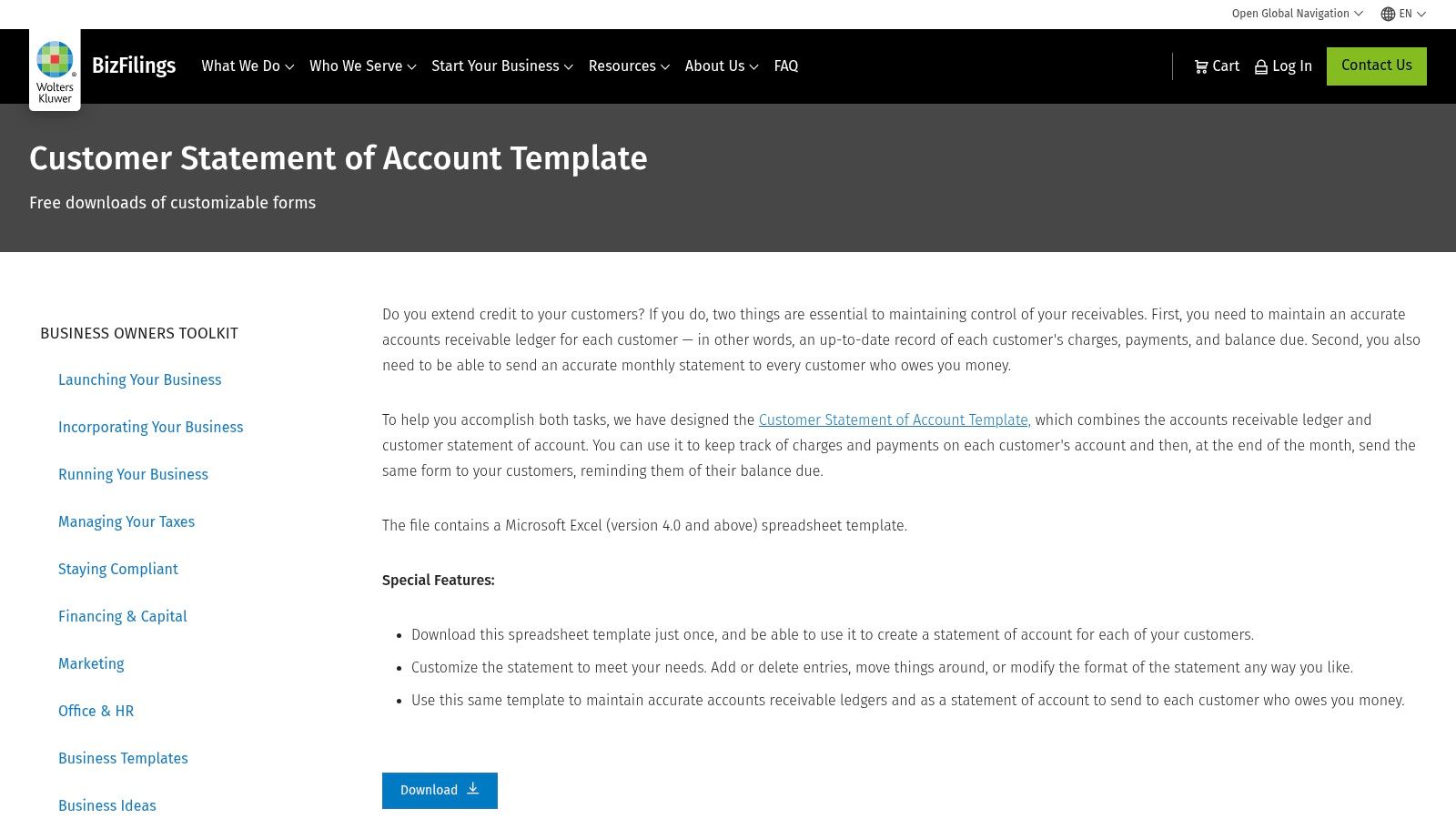
A customer statement answers a different question from an aging report. It explains how charges and payments produce the customer's balance, rather than prioritizing your entire receivables portfolio.
The free Wolters Kluwer BizFilings customer statement template combines a customer-specific Excel ledger with a customizable statement. You can record charges and payments, track the balance, and prepare a document for the customer.
Best for resolving account-level confusion
Use it when a client's accounts-payable team asks which invoices remain open after several receipts. Reconcile the ledger first, then send the statement with supporting invoice copies where needed.
A statement of account sample helps distinguish a balance summary from a fresh payment request. Don't make the statement look like an additional invoice.
The trade-off is account-by-account maintenance. Separate customer files can be manageable for occasional reconciliation, but cumbersome when statements become a recurring portfolio-wide exercise.
Move on when statement preparation becomes a production task. If staff repeatedly open files, update receipts, check balances, and send attachments, generate statements from maintained accounting records instead.
Check spreadsheet compatibility before adopting the file, particularly if users work across different applications. The template doesn't automate delivery or collections.
It's a useful communication format. It isn't the right central control for a firm that needs consolidated aging, ownership, and collection status across customers.
5. Vertex42 Billing Statement Template
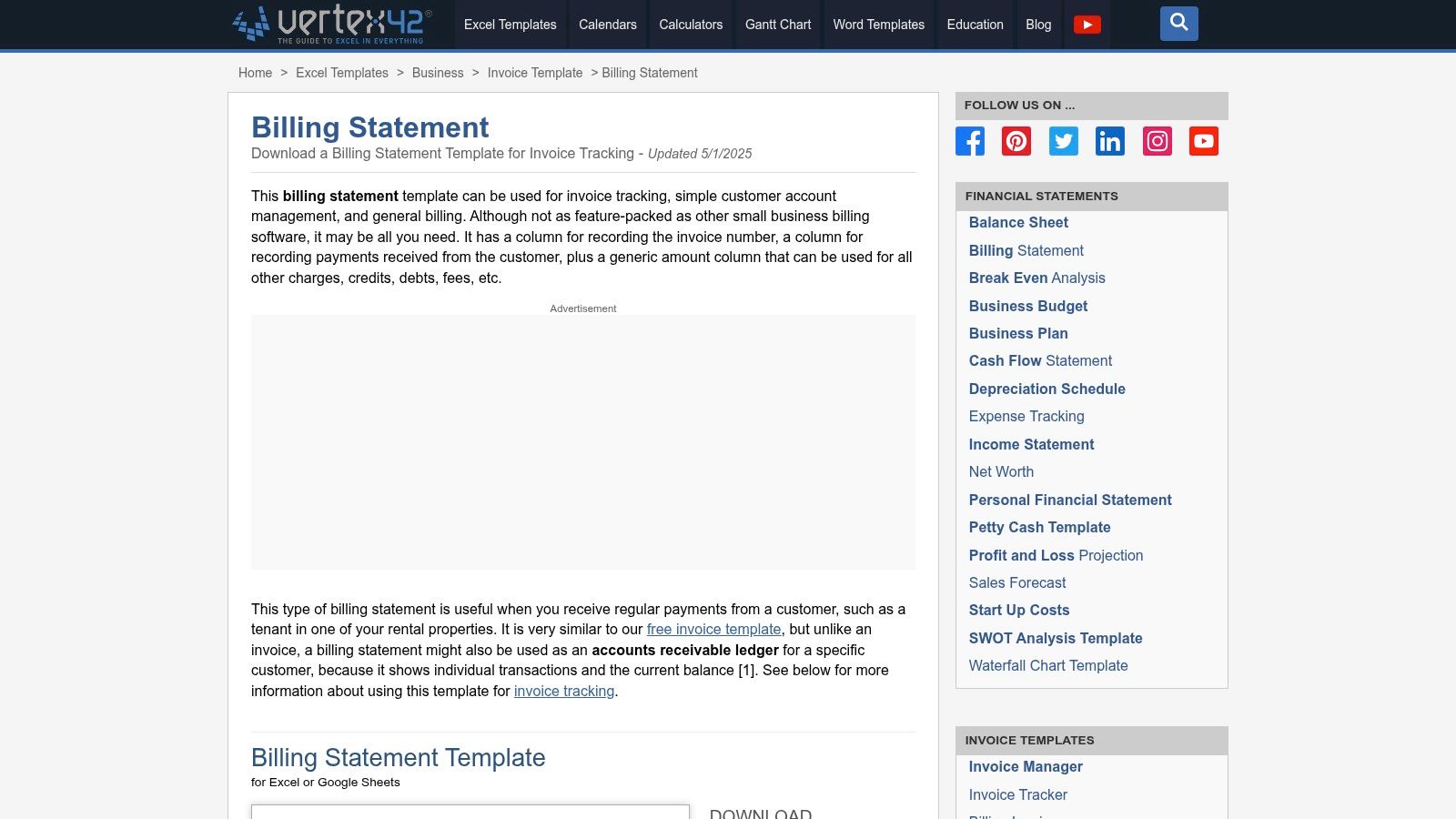
For recurring customer accounts, transaction history can matter more than an aging chart. The free Vertex42 Billing Statement Template records invoice numbers, payments, charges, credits, and the resulting customer balance.
That makes it adaptable for an ongoing advisory engagement with recurring invoices and occasional adjustments. It's less suitable for comparing exposure across the firm.
- Strongest use: Explain the movement in an individual account.
- Weakest use: Prioritize all overdue invoices across clients.
- Replacement trigger: Staff need to reconcile the same payments separately in the statement and accounting system.
Keep the invoice and statement distinct
A statement summarizes account activity. The underlying invoices should still identify the parties, services, terms, and remittance details clearly, consistent with the minimum invoice elements in Penn State's billing policy.
For a missing invoice, use the free invoice generator to prepare the document, then record it through your normal accounting controls. Cross-border service providers may also find invoice essentials for new autónomos useful when reviewing local billing requirements.
Don't add fees to a statement just because the workbook has space for them. Follow the customer agreement and applicable requirements.
Vertex42 doesn't automate reminders or reconcile receipts. It works when the problem is customer clarity, not when the team needs a live, shared collections queue.
6. SheetSteps Google Sheets AR Aging Report
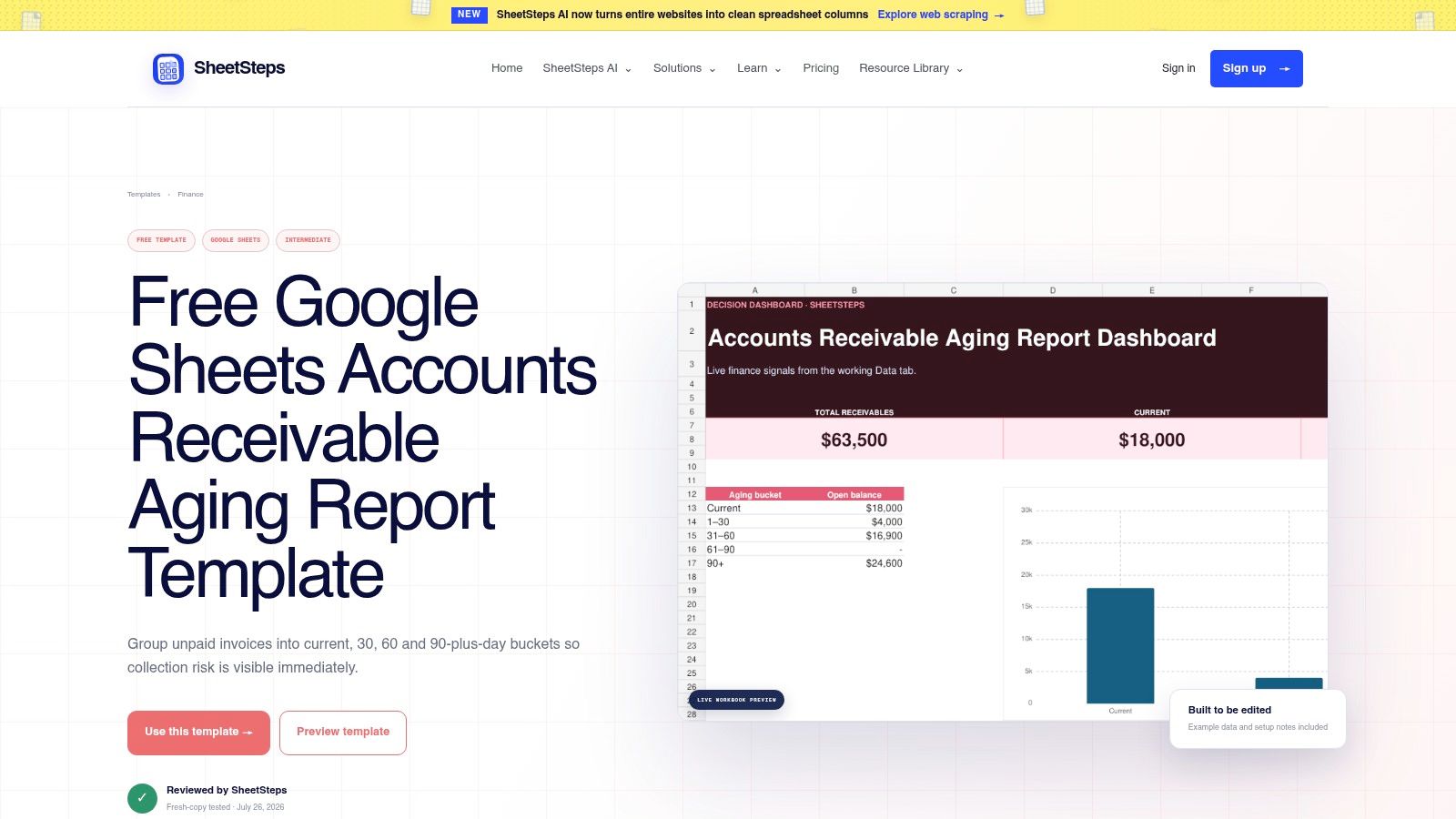
Ownership is often the missing field. Finance knows an invoice is late, the relationship partner knows why, and neither has recorded the next action where the other will see it.
The SheetSteps Google Sheets AR aging report addresses that coordination problem with an invoice-level ledger, customer exposure summary, risk flags, collection owners, and next actions. The provider describes it as free to copy and customize, with example data and setup notes.
A shared sheet needs editing rules
A Google account and manual updates are still required. Protect calculated columns, define who can change balances, and distinguish accounting facts from collection notes.
Use accounts receivable aging as the basis for prioritization, then add the reason an account needs attention. Age alone won't tell you whether to call procurement, resolve a dispute, or confirm a promised transfer.
Handoff rule: The person changing an invoice's collection status should also record the next action and its owner.
SheetSteps works while a shared sheet can coordinate the review without becoming a parallel customer-management system. Customized formulas need careful maintenance, especially after users add rows or modify summaries.
It stops working when collaboration becomes repeated status chasing. If reviewers must ask whether every action happened, you need a workflow with activity history and escalation controls.
The template doesn't send outreach or collect payments. Its value is shared accountability, provided the team keeps it current.
7. Fieldwynn AR Aging Report Template
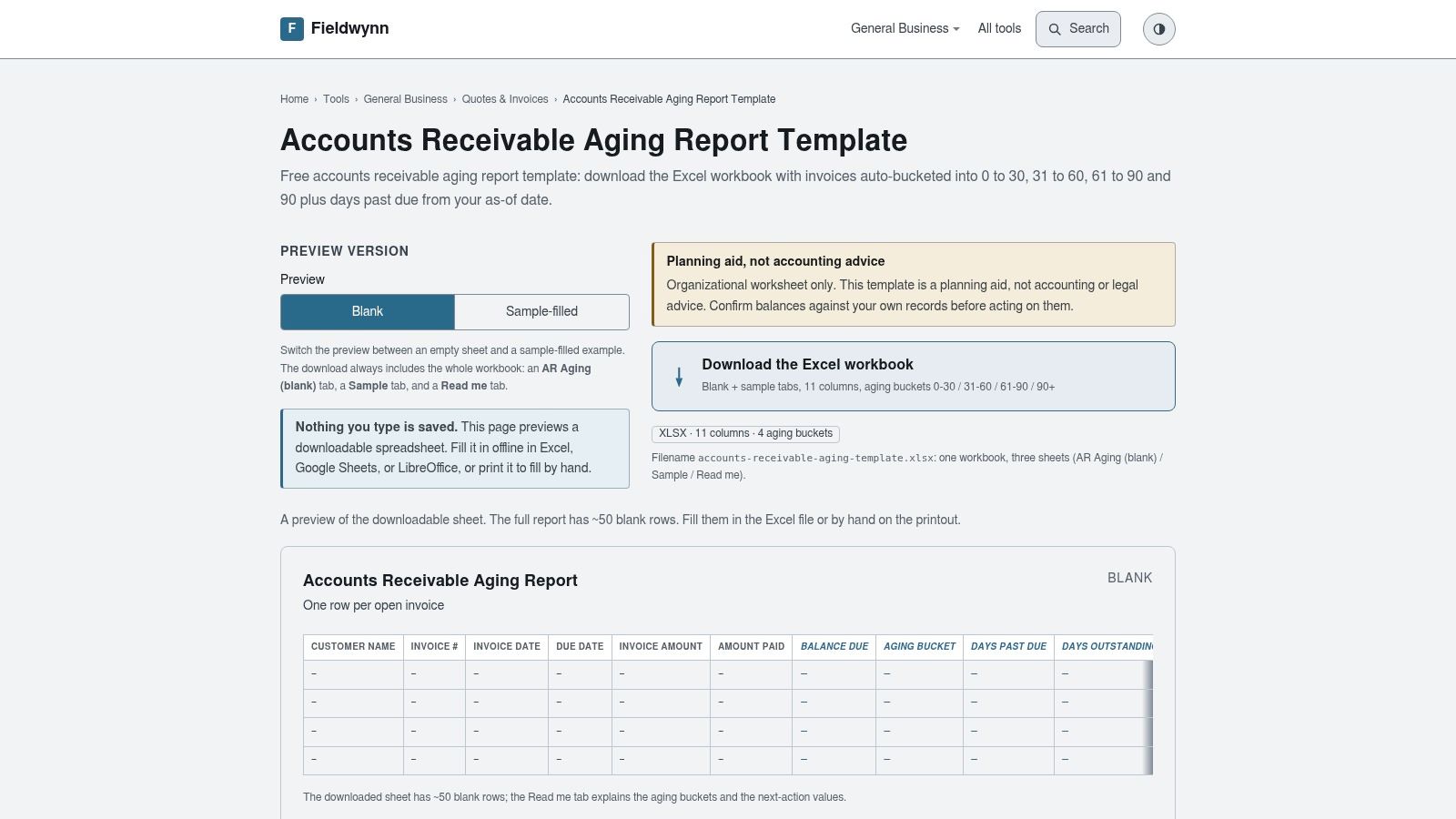
A dated snapshot can keep a month-end review focused. The free Fieldwynn AR aging workbook groups invoices into aging buckets from an as-of date and calculates days past due.
Blank, sample, and instructions tabs support a defined portfolio review. The workbook works offline in Excel, and Fieldwynn lists compatibility with Google Sheets and LibreOffice.
Preserve the reporting date
For a close meeting, freeze the source export and display the as-of date clearly. That date distinguishes a historical aging snapshot from the current collection position.
- Good fit: A review pack with a documented reporting date.
- Practical limitation: The workbook has limited blank rows. Check formula coverage before adding invoices.
- Move-on signal: Staff rely on the snapshot for live collection decisions after receipts change.
The workbook has no indicated subscription, but preparation and reconciliation still take staff time. It does not automate collections or maintain a live ledger.
A professional services firm can use it to explain a month-end balance at a partner meeting. Keep that purpose separate from deciding which customer to contact today.
8. Practical Business Skills Accounts Receivable Form
The Practical Business Skills accounts receivable PDF is a printable form, not a spreadsheet. It captures invoice dates and numbers, customers, amounts, due dates, balances, and multiple payment entries.
That simplicity is its advantage. A staff member can record an invoice and subsequent partial receipts without setting up formulas or learning a reporting interface.
For the target professional services firm, though, this is usually an exception tool rather than a central AR register. It may support a temporary manual procedure or a tightly limited account review.
Paper reaches its limit quickly
All calculations and updates are manual. You can't readily filter overdue invoices, consolidate customer exposure, or produce a reliable aging view from separate printed forms.
- Use it when the immediate requirement is recording a transaction clearly.
- Avoid it when several people need current balances or collection status.
- Replace it when staff must search forms to answer routine questions about overdue exposure.
If you use the PDF temporarily, assign responsibility for transferring its information into the accounting record. Mark that transfer clearly so another staff member doesn't post the same receipt again.
The decisive limit isn't a universal invoice count. It's whether the team can verify completeness and current balances before acting.
Once reviewing paper takes longer than discussing the exceptions, move to a maintained ledger or accounting report. Printing more forms won't improve visibility.
9. QuickBooks Online Accounts Receivable Aging Reports
If your invoices and receipts already live in QuickBooks Online, start with its accounts receivable aging reports. Re-entering those transactions into a blank template creates another reconciliation obligation.
The summary report supports portfolio review. The detail report supports invoice-level investigation, with configurable aging periods and report customization.
Better source data, not automatic collection
QuickBooks Online requires a subscription and properly maintained books. A report generated from unapplied receipts or unresolved credits won't become reliable because it came from the accounting system.
QuickBooks AR automation should begin with that distinction. Generating aging from recorded transactions removes duplicate reporting entry; it doesn't, by itself, establish collection ownership or resolve disputes.
Use the accounting report for the balance. Use a collection workflow for what someone needs to do about it.
Save a consistent review configuration so the team compares like with like. Keep the report date and aging settings visible, and investigate changes rather than repeatedly modifying the layout.
Customization has limits, and this isn't a standalone blank workbook. It's most useful when the firm wants its AR view tied directly to its books.
The next stopping point is action management. When staff export the report and rebuild assignments, promises, and reminder schedules elsewhere, reporting is no longer the main problem. The firm needs a connected collection process.
10. Zoho Books Receivables Aging Reports
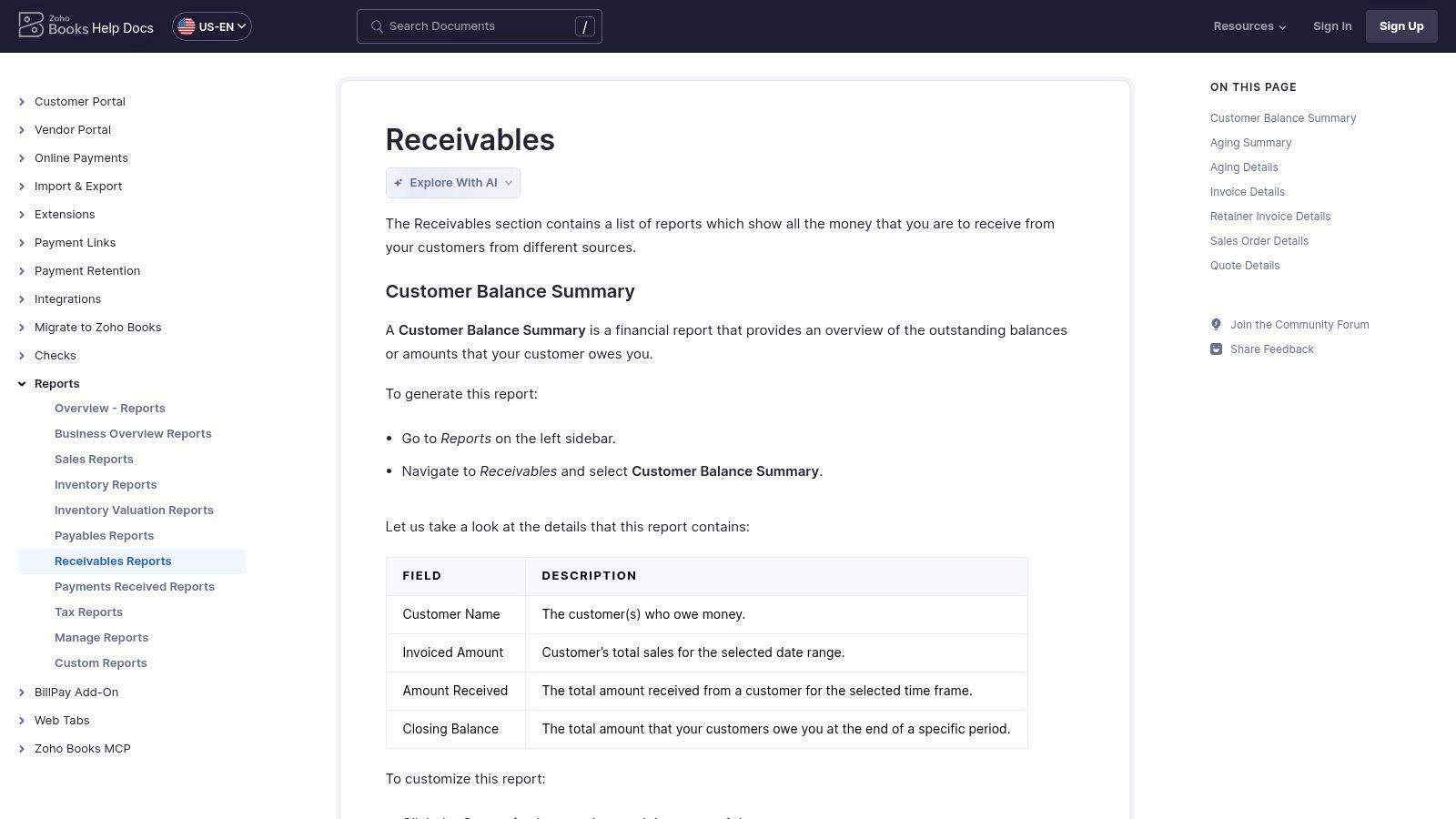
Recurring reviews benefit from recurring delivery. Zoho Books receivables reports provide aging summary and detail views, with report-date, interval, grouping, and displayed-column options.
Users can age balances by due date or invoice date, export reports, and schedule delivery. That suits a finance team that wants a repeatable view rather than another blank workbook.
Choose the aging basis deliberately
Due-date aging supports overdue collection decisions. Invoice-date aging helps examine how long receivables have remained open, but an older invoice isn't necessarily overdue under its agreed terms.
Keep those purposes separate. A scheduled report won't help if reviewers interpret different aging bases as the same measure.
- Advantage: Reports remain tied to recorded accounting transactions.
- Trade-off: A Zoho Books account and accurate transaction data are required.
- Boundary: Available features may vary by plan or region, and this isn't a downloadable blank template.
Set the schedule around a review that someone owns. Delivery to an inbox is not evidence that a collector investigated the overdue balance.
Zoho Books stops being sufficient as the primary collection control when staff need customer-specific outreach, dispute routing, and escalation history beyond the report. That's when evaluating AR software for professional services becomes an operational decision rather than a reporting preference.
Keep the accounting report as the balance reference even after adding a workflow. Don't replace a maintained source with another manually assembled dashboard.
How the ten templates and reports compare by format, data source, and best use
Item | Format | Data Source | Best For |
|---|---|---|---|
Smartsheet, Accounts Receivable Template | Excel or Google Sheets workbook | Manually entered payment ledger data | Small businesses tracking payments and overdue balances |
Chaser, Accounts Receivable Templates and Dashboard | Excel or Google Sheets templates | Manually maintained invoice and payment data | Teams wanting spreadsheet-based receivables tracking |
Bookkeeping Sheets, AR Aging Report Template | Excel workbook; also usable in Google Sheets or LibreOffice | Manually entered invoices and payments | Businesses pairing aging reviews with collection follow-up |
Wolters Kluwer BizFilings, Customer Statement of Account | Excel template | Manually entered customer charges and payments | Businesses tracking and sharing individual customer balances |
Vertex42, Billing Statement Template | Spreadsheet billing statement | Manually entered customer transactions | Recurring customer accounts needing simple statements |
SheetSteps, Google Sheets AR Aging Report | Google Sheets template | Manually updated invoice and customer data | Teams coordinating receivables risk and collection actions |
Fieldwynn, AR Aging Report Template | Excel workbook; also usable in Google Sheets or LibreOffice | Manually entered invoice data | Businesses preparing aging snapshots or month-end reviews |
Practical Business Skills, Accounts Receivable Form | Printable PDF form | Manually recorded invoice and payment details | Very small operations preferring paper records |
QuickBooks Online, Accounts Receivable Aging Reports | Built-in accounting software reports | QuickBooks customer and invoice records | QuickBooks users needing current aging summaries or details |
Zoho Books, Receivables Aging Reports | Built-in accounting software reports | Zoho Books transaction records | Businesses wanting customizable, recurring receivables reports |
Match the Format to the Stage Your Receivables Have Reached
A workbook serves a small book well when data entry is disciplined and someone owns the review. An accounting report serves the firm better once invoices and receipts are maintained in the same system. A collections workflow becomes necessary when knowing the balance no longer tells the team what to do next.
Choose the format your current records can support. Then review it on a fixed schedule, reconcile receipts before outreach, and record who owns each unresolved exception.
Don't choose a migration point based on an invented universal invoice limit. Complexity matters: partial receipts, disputed milestones, client-specific portals, and missing purchase orders can make a modest invoice book difficult to manage.
Measure the work the format creates
Track the effort required to prepare the review, not just the time spent discussing it. If staff repeatedly rekey invoices, rebuild customer statements, or reconcile competing balances, the format has become part of the workload.
- Workbook stage: Measure update effort, reconciliation differences, and missed follow-up actions.
- Accounting-report stage: Measure unapplied receipts, disputed balances, and time from review to assigned action.
- Workflow stage: Measure promise-to-pay outcomes, dispute resolution time, collection effort, and DSO.
Payment friction deserves attention too. The Federal Reserve's report on payments found that roughly four in five small businesses faced payment-related challenges in its 2023 survey.
That doesn't mean every late invoice needs stronger language. Confirm whether the client received an acceptable invoice, can use the payment instructions, and has the approval evidence it needs.
Automate the routine, retain control of exceptions
When manual follow-up takes a meaningful share of the week, the question changes. It's no longer which template to download, but how collection work gets assigned, completed, and checked.
AI AR automation should support that operating discipline. Evaluate whether it keeps balances current, suppresses inappropriate reminders, identifies risk, and gives people control over sensitive accounts.
To improve cash flow, connect those controls to measurable outcomes. Compare collection timing against your own baseline, and distinguish faster payment from cleaner reporting. Neither a new workbook nor an automation platform guarantees a DSO reduction.
The right format is the least complicated one your team can keep accurate at its required review cadence. Replace it when maintaining it prevents people from doing the collection work.
Resolut automates AR for professional services, keeping follow-up consistent, accurate, and human. We automate follow-ups, score late-payment risk, and forecast cash, so your team can move beyond maintaining a template toward managing exceptions. Visit Resolut to discuss a workflow that fits your accounting records and review cadence.