
Auto Invoice Software: Automate AR & Boost Cash Flow 2026
Discover how auto invoice software automates AR for CFOs. Reduce DSO, improve cash flow, and transform your accounting processes in 2026.
A client approves the work. Your team delivers on time. The invoice goes out. Then the waiting starts.
Not because the client is bad. Usually they aren't. Payment stalls because the invoice hit the wrong inbox, the reminder went out too late, the approver changed, the payment link wasn't convenient, or someone on your team is still matching receipts in QuickBooks by hand. For a professional services firm, that gap between invoice sent and cash received is where a lot of margin leaks out.
At firms in the $3M to $50M range, AR rarely fails in one dramatic way. It slips through small operational misses. A partner assumes finance followed up. Finance assumes the client needs more time. The controller is buried in reconciliations. The owner sees strong revenue and still feels tight on cash.
That's why the conversation around auto invoice software needs to mature. Sending invoices faster helps. It's not enough. The firms that improve cash flow consistently treat receivables as an operating system, not an admin task.
The Quiet Drag on Your Firm's Cash Flow
A familiar pattern shows up in healthy firms. Revenue looks solid. The client roster is stable. Delivery is strong. Yet cash is uneven, and the month-end close includes the same AR discussion again.
One client is fifteen days late, another says they never saw the invoice, and a third is waiting on a revised billing format that should have been right the first time. None of that feels catastrophic. Together, it ties up working capital and drains time from people who should be doing higher-value work.
Auxis notes that nearly 90% of businesses acknowledge that approximately 30% of their invoices are paid late, costing an average of 4.6% in revenue annually due to overdue payments. For a firm owner or controller, that isn't just a collections problem. It's a planning problem, a hiring problem, and often a borrowing problem.
Where manual AR really hurts
Manual AR creates friction in places leadership doesn't always measure clearly:
- Follow-up inconsistency: One collector sends three reminders. Another waits because the client relationship feels sensitive.
- Billing delays: Draft invoices sit in email threads waiting for partner approval.
- Cash application backlog: Payments arrive, but the ledger isn't current because someone has to reconcile each receipt manually.
- Team fatigue: Strong finance staff get pulled into repetitive work instead of forecasting, exception handling, and client issues that need judgment.
Good clients often pay late for operational reasons, not because they intend to. Your process either removes that friction or preserves it.
This is why late payment shouldn't be framed only as a client behavior issue. In many firms, AR is still a patchwork of email reminders, spreadsheet notes, inbox monitoring, and manual matching inside the accounting system. That setup can survive for a while. It doesn't scale cleanly.
Operational discipline shows up in receivables
A firm's receivables process says a lot about how it runs overall. Clean invoicing, timely reminders, accurate payment posting, and visibility into aging are signs of financial control. Weak AR usually points to broader workflow gaps between delivery, billing, and finance.
For CFOs and controllers, the question isn't whether invoicing can be automated. It's whether the firm wants to keep funding avoidable delay with its own balance sheet.
Defining True Accounts Receivable Automation
Most software marketed as auto invoice software handles one narrow task well. It generates an invoice, emails it, and maybe sends a reminder. That's useful, but it's not accounts receivable automation in the way a finance operator means it.
True AR automation manages the full path from bill creation to cash application. It reduces handoffs, closes gaps between systems, and gives finance a way to improve cash flow without adding administrative headcount.
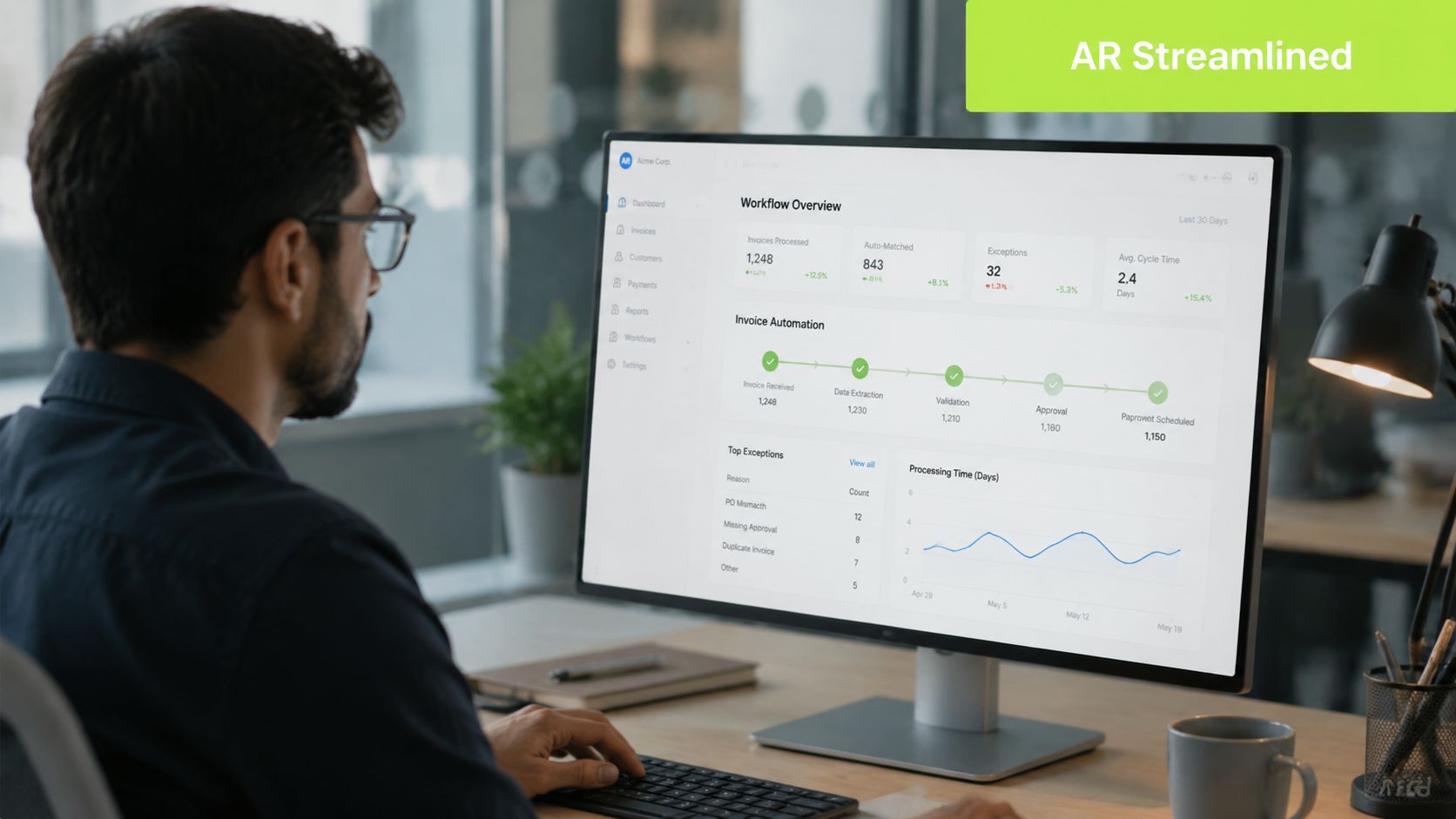
What separates invoice generators from real AR software
At minimum, AR software for professional services should cover six operating needs.
- Invoice generation and scheduling Recurring retainers, milestone billing, and usage-based charges should flow out on schedule without someone rebuilding invoices manually each cycle.
- Delivery across channels Email alone isn't always enough. Some invoices need backup through portal delivery, SMS prompts, or directed outreach to the actual approver.
- Dynamic billing logic Professional services firms don't all bill the same way. Some need split billing by matter, project, entity, or practice area. Others need approval routing before release.
- Self-service payment options Clients pay faster when the path is simple. The software should support a clean portal and remove friction between invoice receipt and payment.
- Collections workflow automation Reminder timing, escalation paths, and next actions should be systematized, not left to memory.
- Automated cash application Many platforms fall short here. If your team still has to match incoming payments manually in QuickBooks, the back half of AR remains slow.
What AI adds when it's used correctly
The practical use of AI AR automation isn't novelty. It's reduction of repetitive work.
Gennai reports that AI-powered OCR with accuracy rates exceeding 95% can automatically extract invoice details from incoming emails, eliminating the manual download-upload cycle that wastes 8–10 hours monthly for businesses processing 200+ invoices. That matters because inbox work is exactly the kind of low-value effort that accumulates unnoticed in finance teams.
If you're comparing options, a useful reference point is this overview of what AR automation actually includes. It's a better framing than the usual software category labels.
Practical rule: If the demo focuses on branded invoice templates before it shows collections logic and cash application, you're probably looking at billing software, not full AR automation.
A second area to watch is intelligent follow-up. Tools built around AI agent invoice chasing show what modern reminder workflows can do when outreach is persistent and systematic instead of manual and uneven.
The Financial Impact of Automating AR
Finance leaders don't buy systems to “streamline workflows.” They buy systems to shorten the path to cash, lower process cost, and improve visibility into collections risk.
That's the lens to use when evaluating QuickBooks AR automation or broader accounts receivable automation tools. The relevant question is simple. What changes on the balance sheet and in the close process after deployment?
Cost and cycle time move together
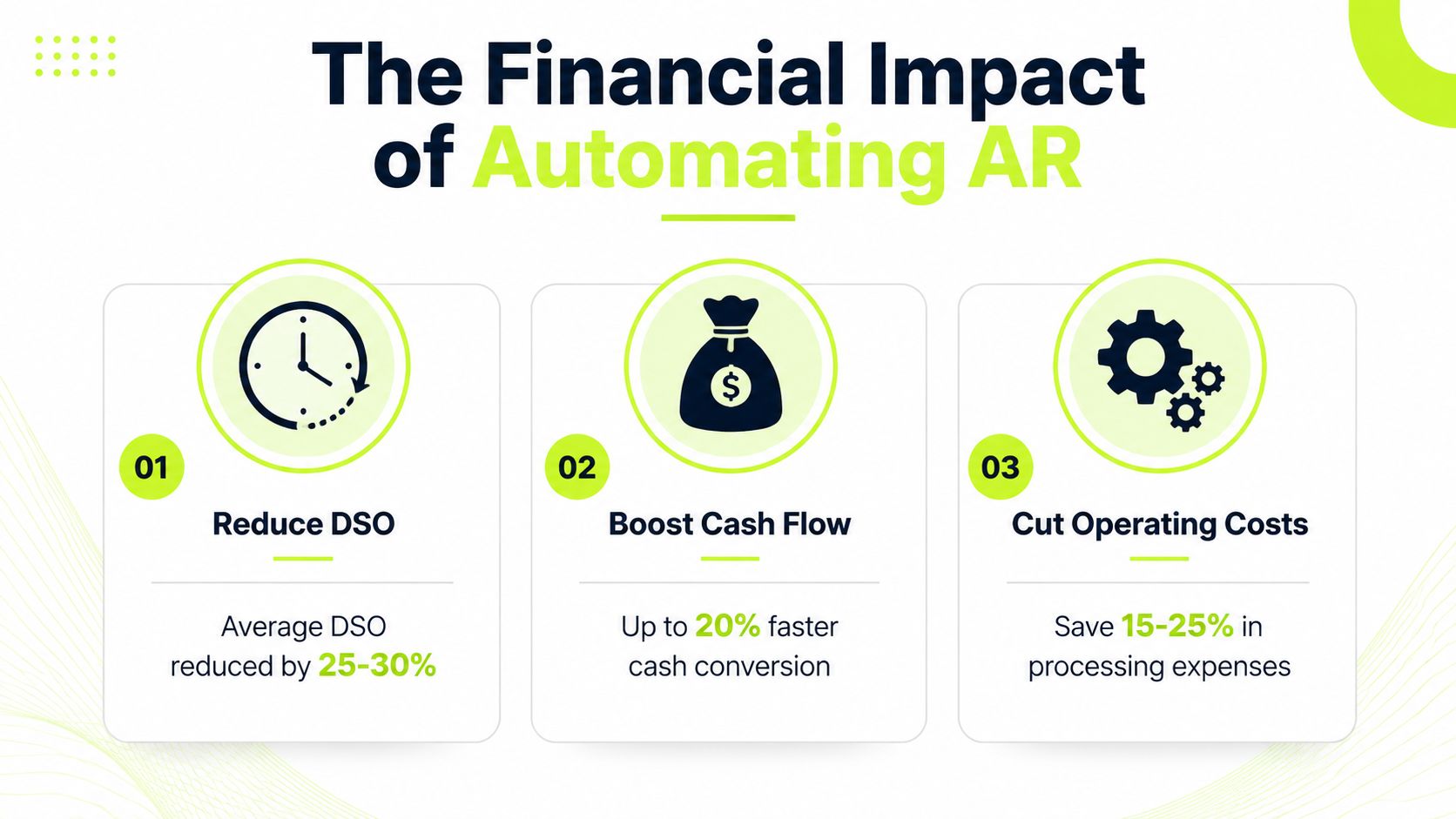
The strongest benchmark in this category is straightforward. Gennai's 2026 invoice management statistics state that best-in-class AP teams using AI tools process invoices at a cost of $2.78 with a 3.1-day cycle time, compared to $12.88 and 17.4 days for average teams relying on manual methods, representing a potential 80% cost reduction.
That benchmark is from AP, but the operating lesson carries over directly into AR. When teams remove manual touchpoints, cycle time falls and unit economics improve together. Faster billing, cleaner delivery, structured follow-up, and automatic posting aren't separate wins. They reinforce each other.
What this means for a professional services firm
For a services business, reducing cycle time affects more than admin cost:
- Cash arrives closer to revenue recognition: That improves liquidity and lowers the pressure to fund operations with owner cash or credit.
- Collections become more predictable: The controller gets a truer aging picture because payment status is current.
- DSO starts to respond: You don't reduce DSO with one heroic collections sprint. You reduce it by fixing the system that creates delay.
- Client communication gets cleaner: The client sees one coherent billing process instead of fragmented outreach from partners, project managers, and finance.
Faster invoicing by itself doesn't solve AR. Faster invoicing plus disciplined follow-up and clean reconciliation does.
The right metric stack
If I were reviewing this with a controller, I wouldn't start with software features. I'd start with four internal metrics:
Metric | Why it matters |
|---|---|
DSO | Shows how quickly billed work converts to cash |
Aging by collector or owner | Exposes whether follow-up discipline is consistent |
Dispute volume | Reveals billing quality issues upstream |
Unapplied cash | Signals whether cash application is still consuming team time |
Thomson Reuters highlights the value of data analytics and real-time reporting in AR automation tools for monitoring metrics like DSO and Collection Effectiveness Index, which is exactly where mature teams gain control.
If your current stack can generate invoices but can't give you clean operational visibility into payment behavior, it isn't helping you manage cash. It's helping you send documents.
An Evaluation Checklist for Auto Invoice Software
Most AR software disappointments start before implementation. The team buys a product that demos well, integrates poorly, and leaves the hard work untouched. Six months later, invoices still go out, but collections, reconciliation, and reporting still depend on manual effort.
A disciplined selection process prevents that. It also keeps you from buying shelfware that finance tolerates instead of software the team relies on.
Start with the workflow, not the demo
Before you evaluate vendors, map your current receivables flow in plain language. Who approves invoices. Who sends them. Who follows up. Who handles exceptions. Who posts cash. If that map is fuzzy, the software search will be fuzzy too.
A practical benchmark is whether the vendor clearly supports your accounting stack, especially QuickBooks, and your real billing patterns. For firms comparing options, this roundup of accounts receivable automation software is useful because it frames tools by operating need rather than brand promise.
The checklist I'd use in diligence
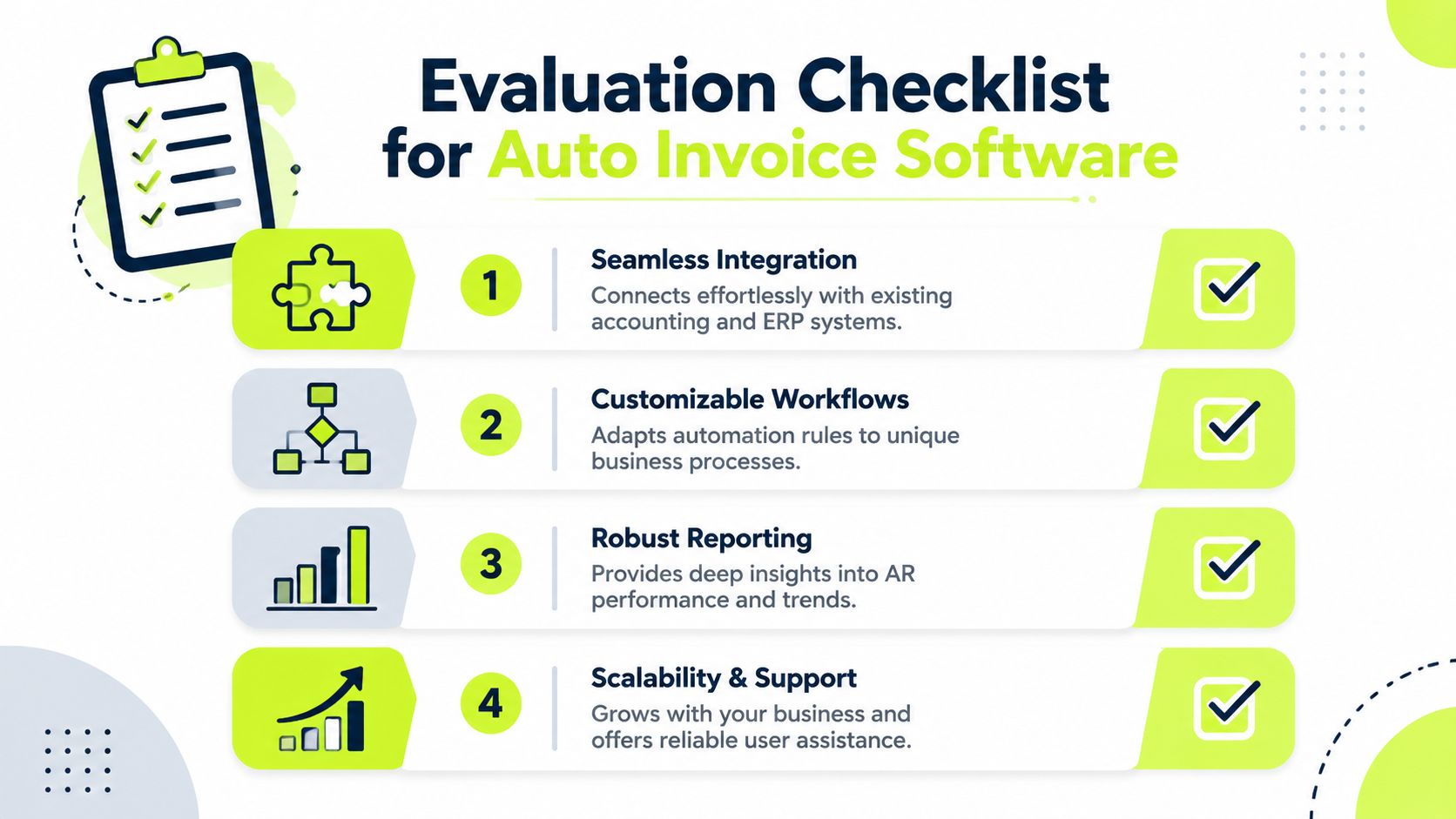
- Integration depth Don't settle for “connects with QuickBooks” as a vague claim. Ask what syncs, how often it syncs, and where exceptions land. If payments, credits, invoice status, and customer records don't stay aligned, your team will build workarounds immediately.
- Automation level Some products are rules engines. Others use AI to classify, route, and prioritize. Neither is automatically better. The issue is fit. If your billing model is stable, rules may be enough. If your contracts, reminders, and exception patterns vary often, AI AR automation can reduce maintenance.
- Workflow flexibility Professional services firms need billing controls that reflect reality. Partial approvals, partner signoff, entity-specific invoice formatting, and client-specific routing should be configurable without a developer.
- Collections capability Many “auto invoice” products struggle with this aspect. Ask how the system handles sequencing, escalation, customer responses, and ownership changes when an invoice ages.
Software that only automates invoice creation leaves the hardest part of AR in your team's inbox.
The questions that surface risk early
Use these during vendor review:
- What still requires manual intervention after go-live? A serious vendor will answer directly.
- How are disputes handled? If the answer is “outside the system,” expect leakage.
- What reports does a controller get by default? You want visibility into aging, collector performance, unapplied cash, and payment trends.
- How is security and access managed? AR touches client data, payment data, and accounting records. Role-based access and auditability matter.
- What support exists after implementation? You're not buying software only. You're buying issue resolution when workflows break under live conditions.
Watch the pricing model closely
The cheapest platform can become the expensive one if pricing excludes onboarding, support, transaction volume, additional entities, or advanced workflows. I'd rather pay for a product that fits than save on license fees and keep paying for manual labor forever.
A good selection process feels slower up front. It usually saves months of cleanup later.
A Practical Roadmap from Decision to Deployment
Implementation goes better when finance treats it as an operating change, not an IT event. The firms that get value quickly usually keep scope tight, assign clear ownership, and roll out in stages.
The biggest mistake is trying to automate every receivables edge case on day one. Start with the core flow that affects the most cash.
A rollout sequence that works
First, build a small internal team. In most firms, that means a controller or finance lead, one person from AR or bookkeeping, and one operational stakeholder who understands how work becomes a billable event. You don't need a committee. You need accountable owners.
Second, clean the data before migration. Bad customer records, inconsistent terms, duplicate contacts, and outdated billing instructions will sabotage the project. Software won't fix messy master data by itself.
Third, define the pilot. Pick a slice of the business where volume is meaningful but risk is manageable. That could be one practice group, one legal entity, or one set of recurring clients.
Focus the pilot on behavior change
A pilot shouldn't just test whether invoices send. It should test whether the team changes how it works.
- Invoice release discipline: Are approvals happening on time?
- Reminder cadence: Is follow-up happening through the system instead of ad hoc email?
- Cash application: Are receipts posting cleanly into the ledger?
- Exception handling: Does the team know when to step in manually?
Billtrust's study of 500 finance professionals found that 100% of respondents reported measurable gains, including faster payments and reduced costs, with 93% confirming the solution delivered the expected ROI. That's encouraging, but firms still have to manage rollout properly to realize those gains.
Keep the team out of defensive mode
AR automation can create anxiety if staff hear “automation” and translate it as “replacement.” That framing is counterproductive.
The strongest implementation message is simple. We're removing repetitive work so finance can spend more time on exceptions, forecasting, and client issues that actually need judgment.
Use training sessions to show exactly what changes in daily work. Demonstrate how reminders are triggered, how payments are matched, and where unresolved items appear. People adopt tools faster when they can see how the system makes their week easier.
If you're planning deployment, this guide on how to automate accounts receivable is a useful reference point for sequencing the move without creating avoidable disruption.
Set milestones that finance can verify
I'd track early implementation success with operational milestones, not broad promises:
- invoices going out on schedule
- follow-ups running from the platform
- unapplied cash queue shrinking
- aging visibility improving
- fewer billing exceptions caused by process gaps
That gives the CFO or owner a factual read on progress before making the rollout wider.
Calculating the ROI of AR Automation
The internal case for AR automation doesn't need a complicated model. It needs a credible one. Most CFOs can build it from three buckets: labor savings, accelerated cash conversion, and avoided leakage from slow billing and collections.
A simple ROI view is often enough to support the decision.
A back-of-the-napkin formula
Use this structure:
ROI = labor saved + cash flow benefit + discount capture + error reduction - software and implementation cost
That framework works because it connects the software to operating reality.
For a hypothetical $10M professional services firm, I'd estimate the return by asking:
- How many hours does the team spend each month on invoice prep, reminder chasing, and payment matching?
- What is the cash impact of reducing delay between invoice issue and payment receipt?
- Are there discounts or avoided financing costs tied to faster cycle times?
- How much partner or controller time is spent resolving issues that better workflow design would prevent?
One number that often changes the discussion
Simular reports that reducing invoice cycle time from 10+ days to 3-4 days enables consistent capture of early-payment discounts such as 2/10 net 30, yielding $60,000 per year in savings for businesses with $5M in payables. That example is AP-focused, but it matters in AR conversations because it shows how cycle time has a direct financial consequence, not just an administrative one.
If you shorten billing and collections cycles, the benefit isn't abstract. Cash moves sooner. Forecasting gets tighter. Short-term borrowing pressure can ease. Leadership gains room to make decisions from a stronger working-capital position.
For a closer look at what a modern workflow can look like in practice, this short product walkthrough is worth watching:
Where firms usually undercount the return
Many business cases count software cost and maybe some labor savings. They miss the operating drag around them.
That drag includes slower closes, partner interruptions, messy client follow-up, delayed visibility into collections risk, and the inability to reduce DSO consistently because no one owns the workflow end to end. This is why basic invoice tools often disappoint. They automate output, not realization.
A stronger ROI case comes from looking beyond invoice generation. The full return appears when billing, outreach, payment capture, and cash application work as one process.
Addressing Common Objections and Final Thoughts
The most common objection is that automation will make client communication feel impersonal. In practice, the opposite is often true. Clients usually respond better to a process that is clear, timely, and consistent than to sporadic follow-up from different people inside the firm.
Another concern is size. Some owners assume AR automation is for large enterprises with complex shared-services teams. That misses the point. Smaller and mid-sized firms often feel the pain more sharply because the same people handling billing are also closing the books, supporting partners, and watching cash.
Security is a fair question too. Any platform touching receivables needs strong controls, clear permissions, and clean auditability. That shouldn't be treated as a nice-to-have during selection.
If your current process depends on memory, inboxes, and spreadsheets, staying manual isn't the low-risk option. It's the familiar one.
The bigger issue is strategic. Most auto invoice software still focuses on the send button. That's helpful, but incomplete. CFOs, controllers, and firm owners need a system that supports invoice creation, collections workflow, payment convenience, and reconciliation together. That's how you improve cash flow, make QuickBooks AR automation useful, and turn AR from a recurring headache into a controlled operating process.
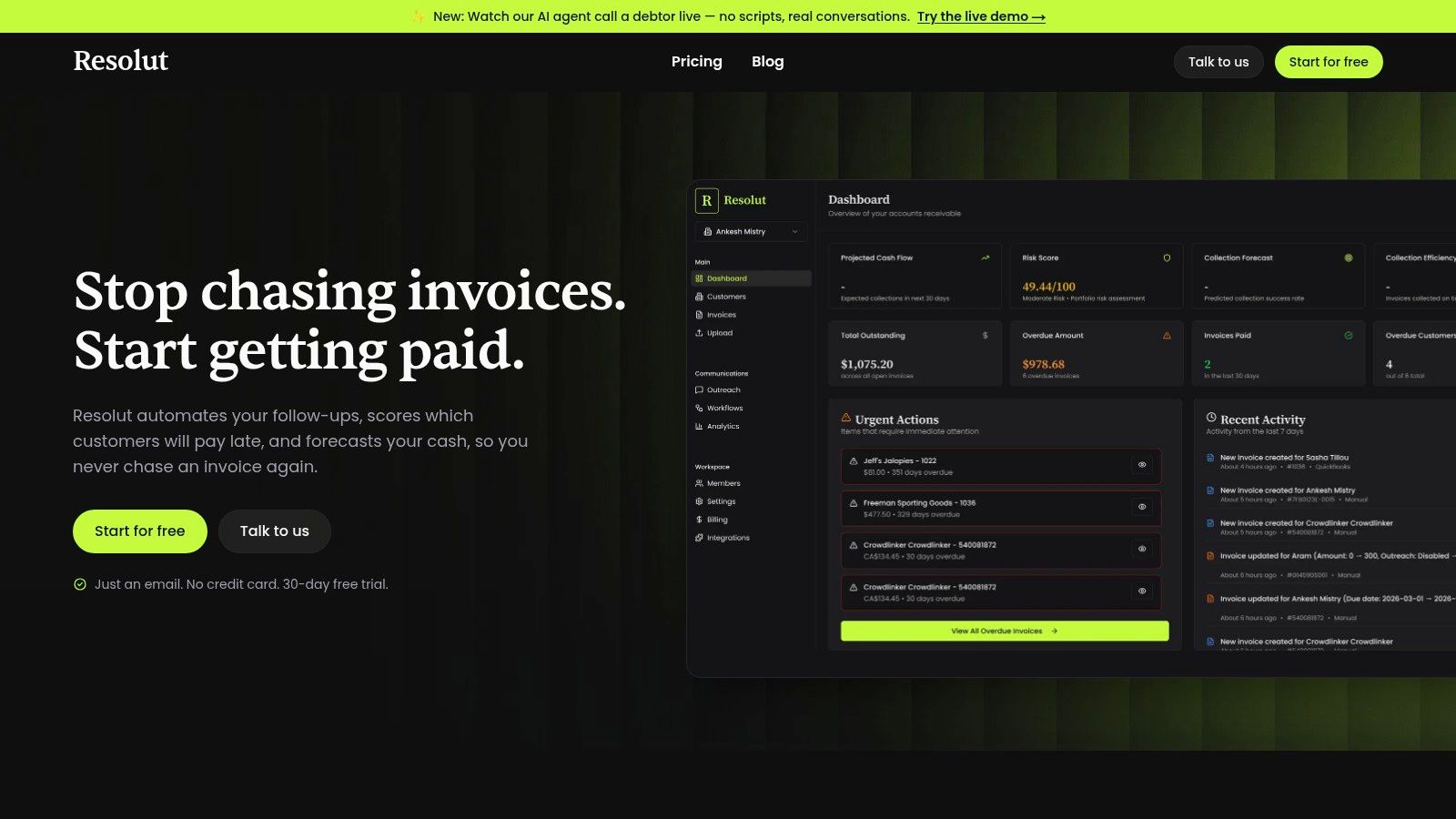
Resolut automates AR for professional services, consistent, accurate, and human.