Payment Portal for Small Business: 7 Tools Compared
Compare the right payment portal for small business across fees, payment methods, security, and accounting sync, with B2B invoicing guidance for 2026.
A 14-person consulting firm sends forty invoices a month. Half the clients pay by card, a third by ACH, and the rest mail a check that arrives three weeks late. The controller isn't short on invoices. She's short on visibility into which ones will stall, which payments will post cleanly, and which ones will create exception work at month end.
That's why a payment portal for small business use shouldn't be judged as a checkout page. It's the point where payment method, fee cost, client experience, and cash application meet. For professional services firms, the payer is usually another business with its own approval process, not a consumer completing a purchase.
The demand is already established. The World Bank's Global Findex 2021 reported that 57% of adults in developing economies made or received a digital payment, up from 35% in 2014. You don't need to persuade most clients to pay electronically. You need to control what happens before, during, and after they do.
This comparison covers seven tools through that controller's lens. I separate tools built primarily for getting paid from tools built for managing a receivables book, then look at reconciliation, follow-up cadence, security, and fit for B2B invoicing.
1. Accounts Receivable Software Pricing | Start Free | Resolut
Resolut combines invoice follow-up and receivables visibility with a hosted payment portal. That makes it different from a tool focused mainly on sending payment links: it also supports the work around those links, including collection cadence and invoice status tracking.
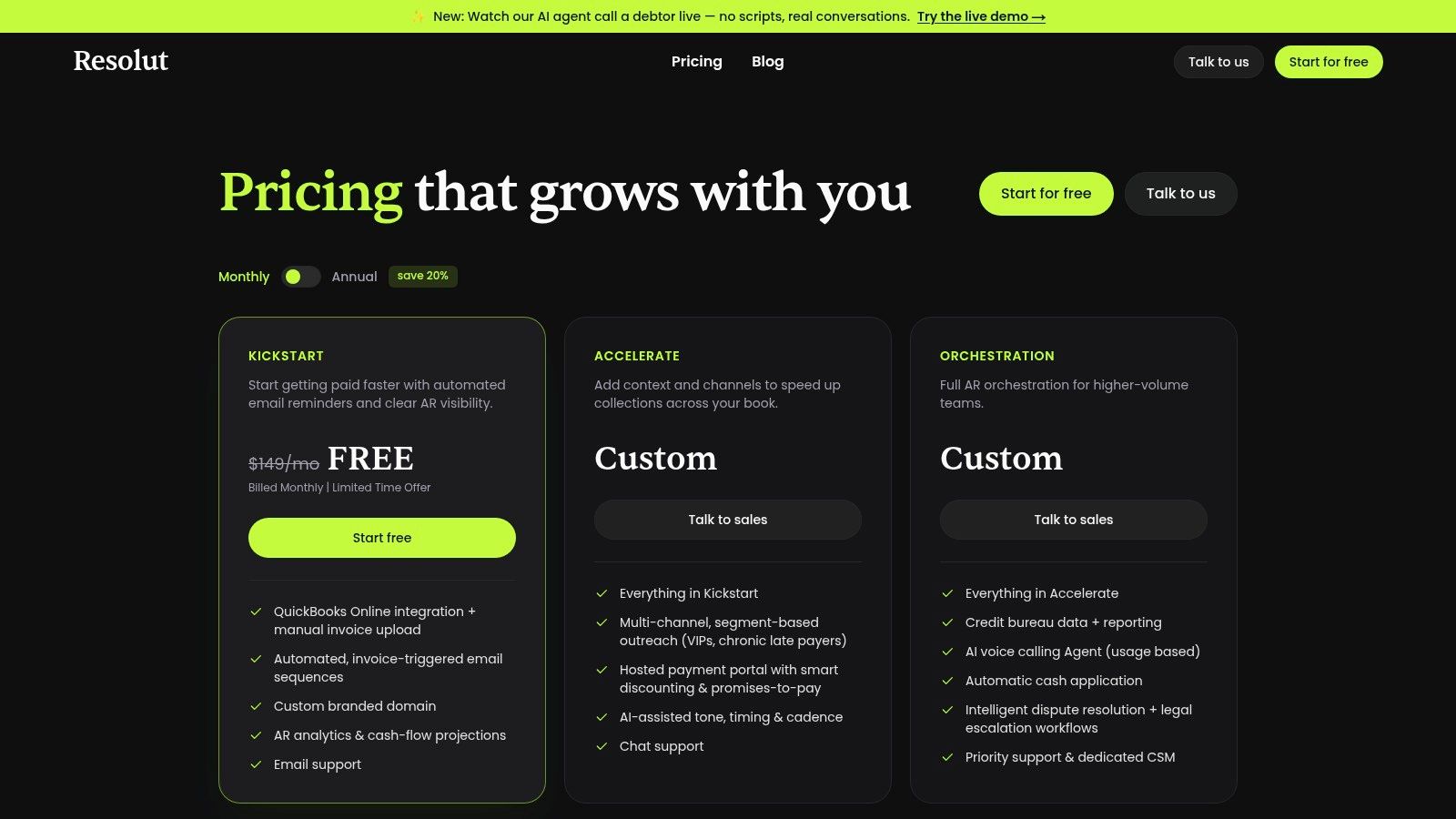
Kickstart includes QuickBooks Online integration, manual invoice upload, automated invoice-triggered email sequences, a custom branded domain, AR analytics, cash-flow projections, and email support. Accelerate adds a hosted payment portal with smart discounting and promises-to-pay, plus multi-channel, segment-based outreach for VIPs and chronic late payers. It also includes AI-assisted tone, timing, and cadence, along with chat support.
Where It Fits Professional Services
For professional services firms, the follow-up workflow matters as much as the payment page. When QuickBooks Online is connected, invoice payment status syncs live. For uploaded PDFs, Resolut detects paid stamps and automatically stops outreach for that invoice. Users can also mark an invoice paid manually in one click.
That helps prevent reminders from continuing after payment and gives teams a clearer view of receivables. All plans include unlimited invoices, seats, and workspaces, with no revenue caps. A firm should still confirm which plan it needs: Kickstart covers invoice follow-up and reporting, while the hosted portal and advanced collection tools are in Accelerate.
Practical rule: Set up reliable payment-status updates before automating reminders. A sequence that continues after payment creates avoidable cleanup.
Kickstart includes QuickBooks Online integration and automated invoice-triggered email sequences. The hosted payment portal and advanced collection features make Accelerate the relevant tier for firms that need clients to pay through a portal, use smart discounts, or make promises-to-pay. If the requirement is only a payment link, a broader receivables platform may be more than the firm needs. If the goal is to manage follow-up and outstanding invoices alongside payment, the added workflow may justify comparing the tiers.
2. Stripe Invoicing and Customer Portal
Stripe Invoicing gives clients a hosted invoice page and a self-service portal for invoices, subscriptions, and payment details. It suits firms that need flexible payment infrastructure, custom workflows, or subscription billing. Its strengths are payment acceptance and account self-service; managing a B2B receivables book still requires a process for follow-up and ownership.
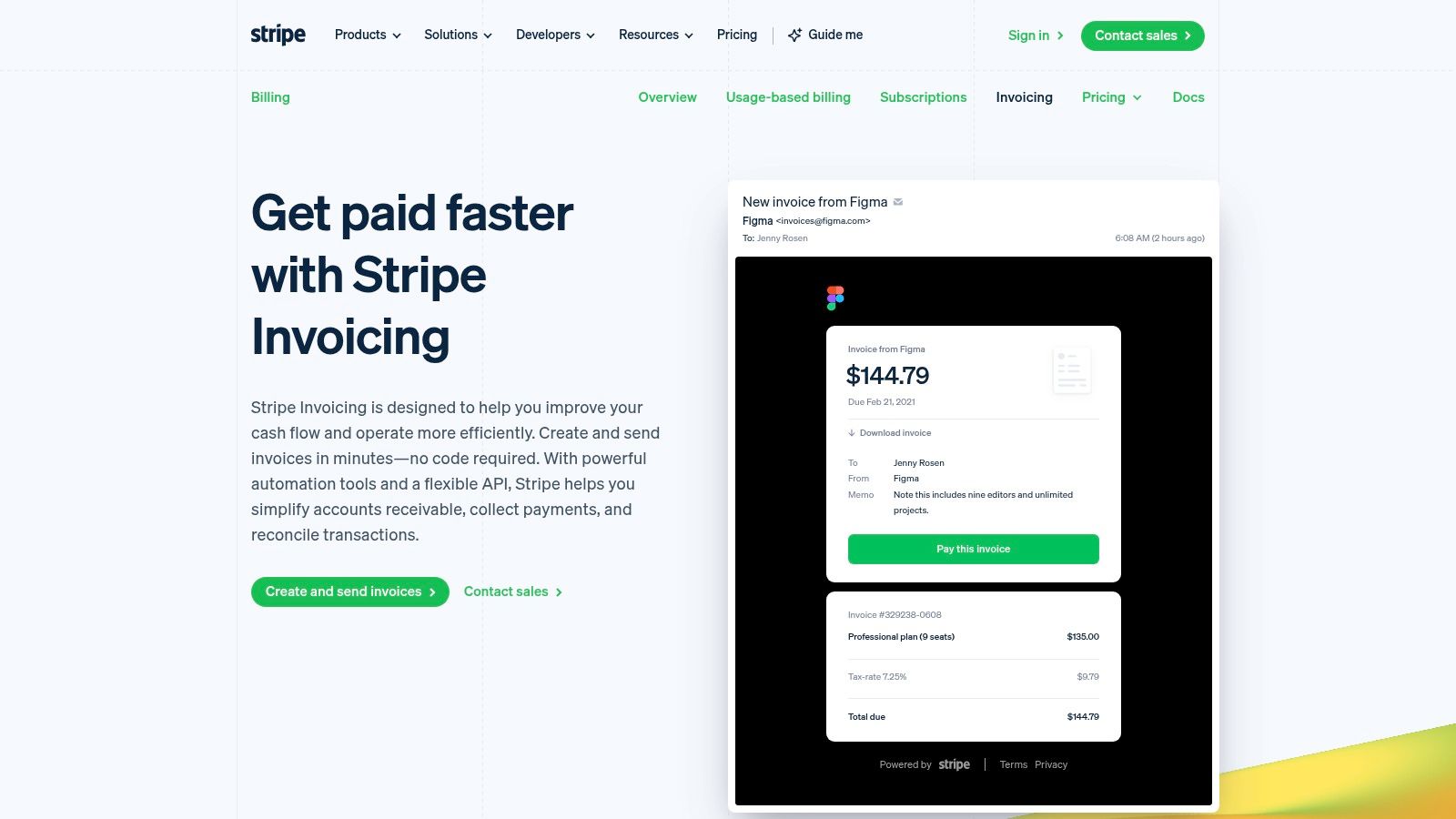
Stripe offers hosted invoice pages, automatic email reminders, smart retries for failed payments, and reconciliation for ACH credit and wire transfers. Clients can pay from a link without your firm building checkout. Pay-as-you-go pricing avoids an upfront platform commitment.
The Controller's Check
Decide who will configure taxes, reminders, payment methods, branding, and ledger exports. Stripe provides the tools, but your team still sets the policies and owns the process. Its invoicing fee is charged in addition to payment processing fees, so model the combined cost by invoice size and payment rail rather than comparing processing rates alone.
Business check use has declined substantially over the past two decades. A portal with configurable payment options lets clients move at their own pace.
For a closer look at how portals support self-service, see this guide to a customer payment portal. Stripe's portal handles account self-service; collection cadence, promise tracking, and AR ownership still need to be designed around it.
3. QuickBooks Payments
If your ledger already lives in QuickBooks Online, QuickBooks Payments is the lowest-friction starting point. Clients pay through an invoice link without creating a QuickBooks account, and there's no monthly fee or minimum for payment processing. There's also no fee to send an invoice, though processing charges apply.
The economics require attention. QuickBooks' published processing rates show cards and digital wallets at 2.99%, while ACH bank payments cost 1%, with the ACH fee capped at $15 in the listed schedule. On a large professional-services invoice, presenting ACH prominently can protect margin without removing card choice. Validate current plan, market, and pricing before you model savings.
What Posts Cleanly
- Payment methods: Cards, ACH, Apple Pay, PayPal, Venmo, and, in eligible cases, Affirm.
- Workflow tools: Recurring invoices, customer autopay, and payment links when a formal invoice isn't required.
- Accounting fit: Payments are recorded in QuickBooks Online rather than handled as a separate deposit list.
That last point is the key value. QuickBooks merchant services for accountants states that payments accepted through its system can be automatically matched to bank transactions. For QuickBooks AR automation, that reduces manual matching when remittance details are inconsistent.
The limit is scope. QuickBooks Payments is less of a standalone client portal for self-service account management, and it's most valuable if you're already committed to QuickBooks. It handles invoice payment and posting well. It doesn't, by itself, run a segmented collections strategy for chronic late payers.
4. Square Invoices
Square Invoices suits a firm that collects both online and in person. A consultancy probably won't need Tap to Pay often, but a business with events, field services, or a physical office may value one system across channels. Invoice payments don't require hardware.
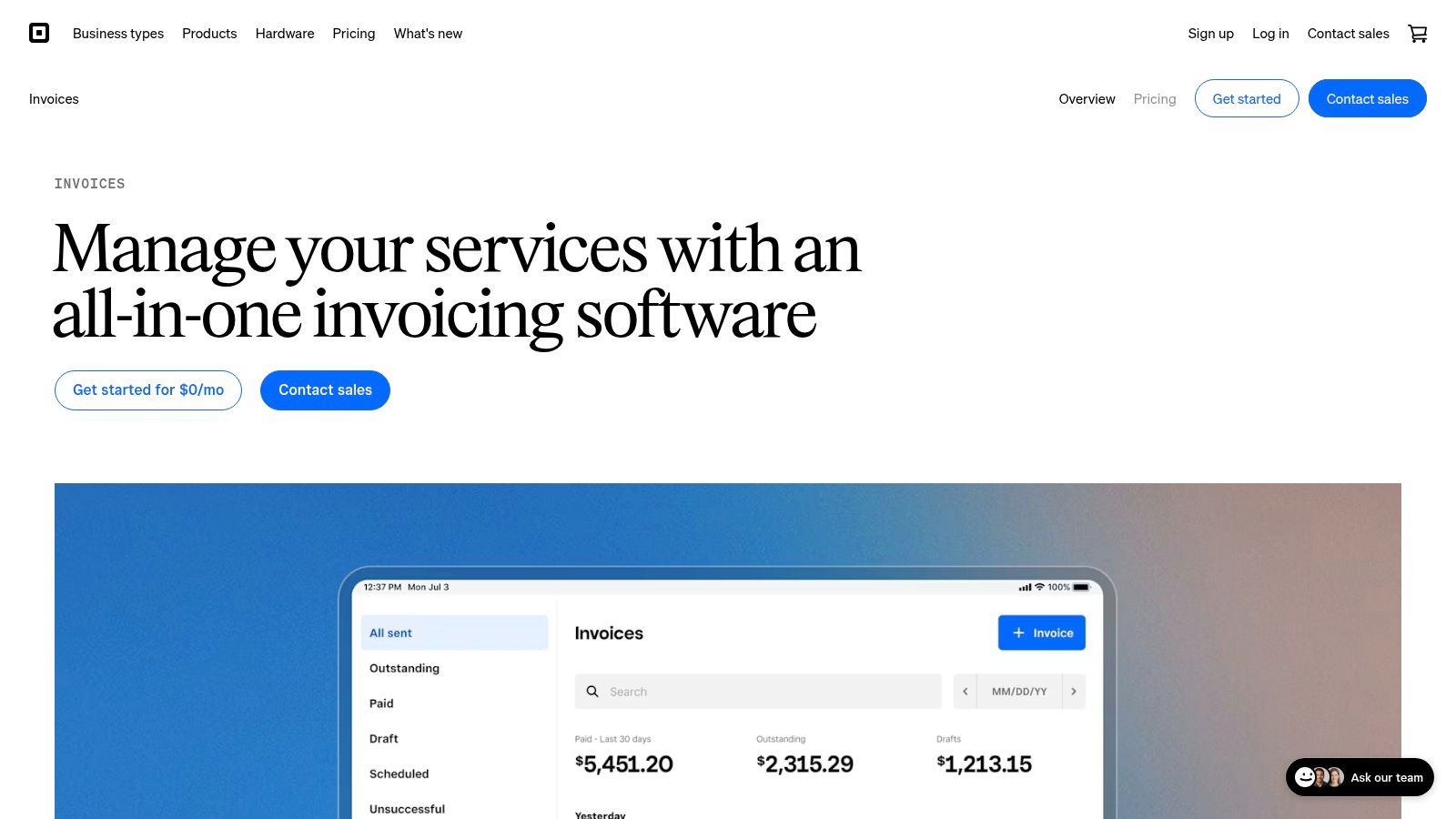
Square Free has no monthly subscription cost. You can create online invoices, track payment status in real time, accept card and ACH payments, and use payment links or a virtual terminal. Transfers arrive next business day, with instant transfers potentially available for a fee.
Where the Cost Shows Up
The free plan lowers fixed cost, but online card processing fees can be relatively high on Square Free. Paid plans are charged per location, so confirm how your offices or entities map to that structure. For high-value B2B invoices, percentage-based card cost matters more than a waived subscription.
Digital acceptance still has retention value. In Mastercard's 2025 survey of more than 2,100 SMEs across 14 Latin American countries, 88% of businesses already accepting digital payments reported saving time and money. That doesn't make every rail profitable on every invoice. It means absence of choice has a cost too.
I wouldn't choose Square as a full AR collections platform. It's an invoicing and payments tool with useful status tracking. Follow-up discipline, dispute ownership, and exception reporting remain largely your operating process.
5. Zoho Books Customer Portal
Zoho Books is the clearest traditional portal in this group. Clients enter a dedicated area to view invoices, make payments, review payment history, accept or reject quotes, and exchange documents. For a firm whose clients ask for statements and backup repeatedly, that self-service record can reduce email traffic.
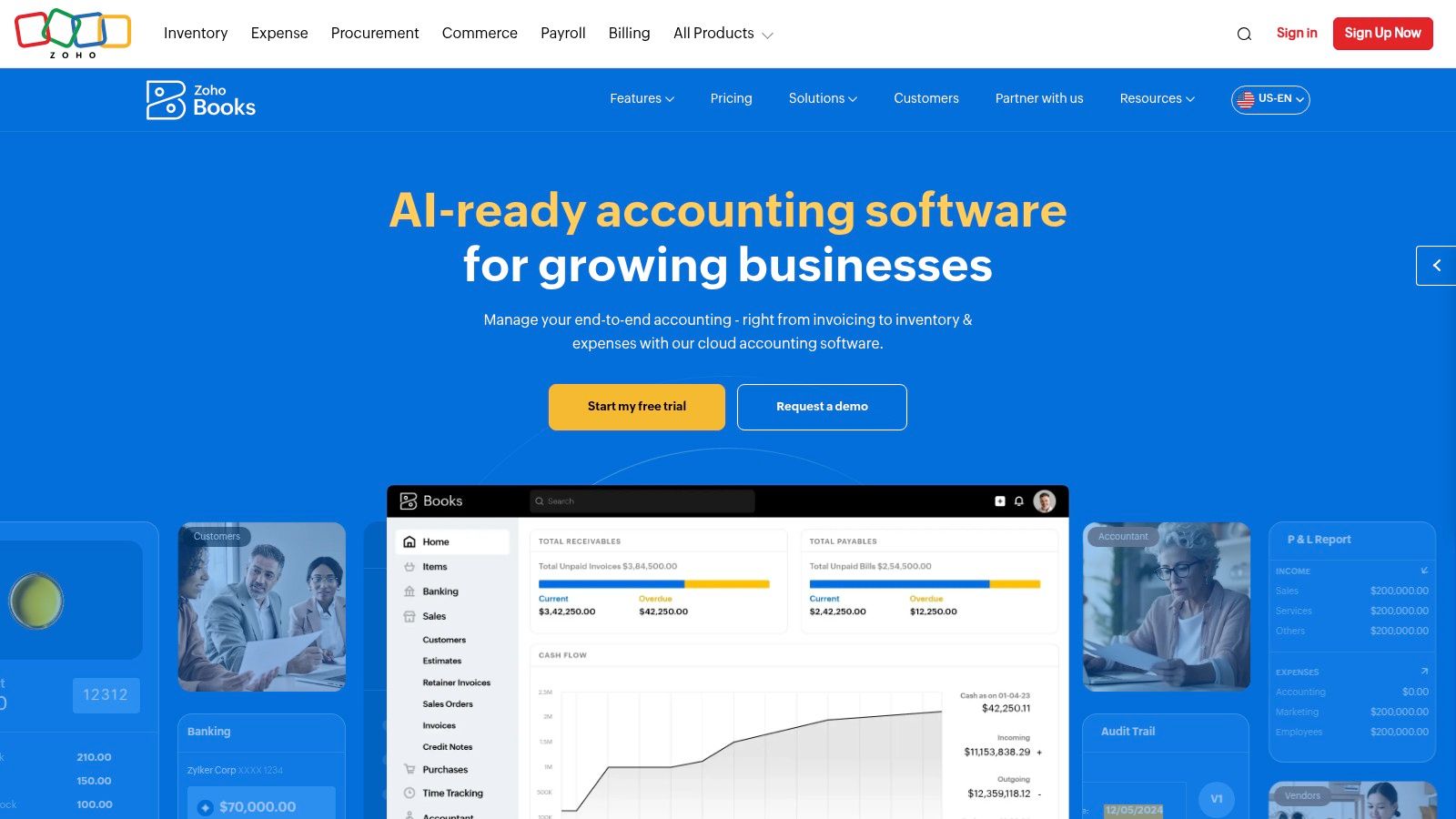
Zoho supports partial and bulk invoice payments, subject to payment setup. That matters in B2B billing, where a client may pay several approved invoices together or short-pay one disputed line. Automated payment reminders and recurring invoices cover routine follow-up without a separate billing tool.
Setup Before Self-Service Works
- Gateway required: Online payments need an enabled payment gateway, and processing fees are separate.
- Access controls: Your team must configure customer portal access for the right client contacts.
- Accounting scope: Paid tiers add broader accounting and customization, which may exceed checkout-only needs.
The free plan includes invoicing, online payments, and customer-portal access, making it easy to test client adoption. Test with your most process-heavy client, not your friendliest one. You'll learn whether AP contacts can find invoices, download records, and pay in bulk without staff intervention.
Payment methods will keep coexisting. Citizens Bank's 2025 business payment survey found 73% of businesses used either Real-Time Payments or FedNow, while ACH and wires were each used by more than half. Zoho's strength is organized self-service. It isn't, on its own, a routing engine for every rail and risk profile.
6. FreshBooks Online Payments
FreshBooks was built around smaller service businesses, agencies, and independent professionals. That shows in the workflow. Invoices sit alongside estimates, proposals, retainers, expense tracking, and project accounting, with features varying by plan.
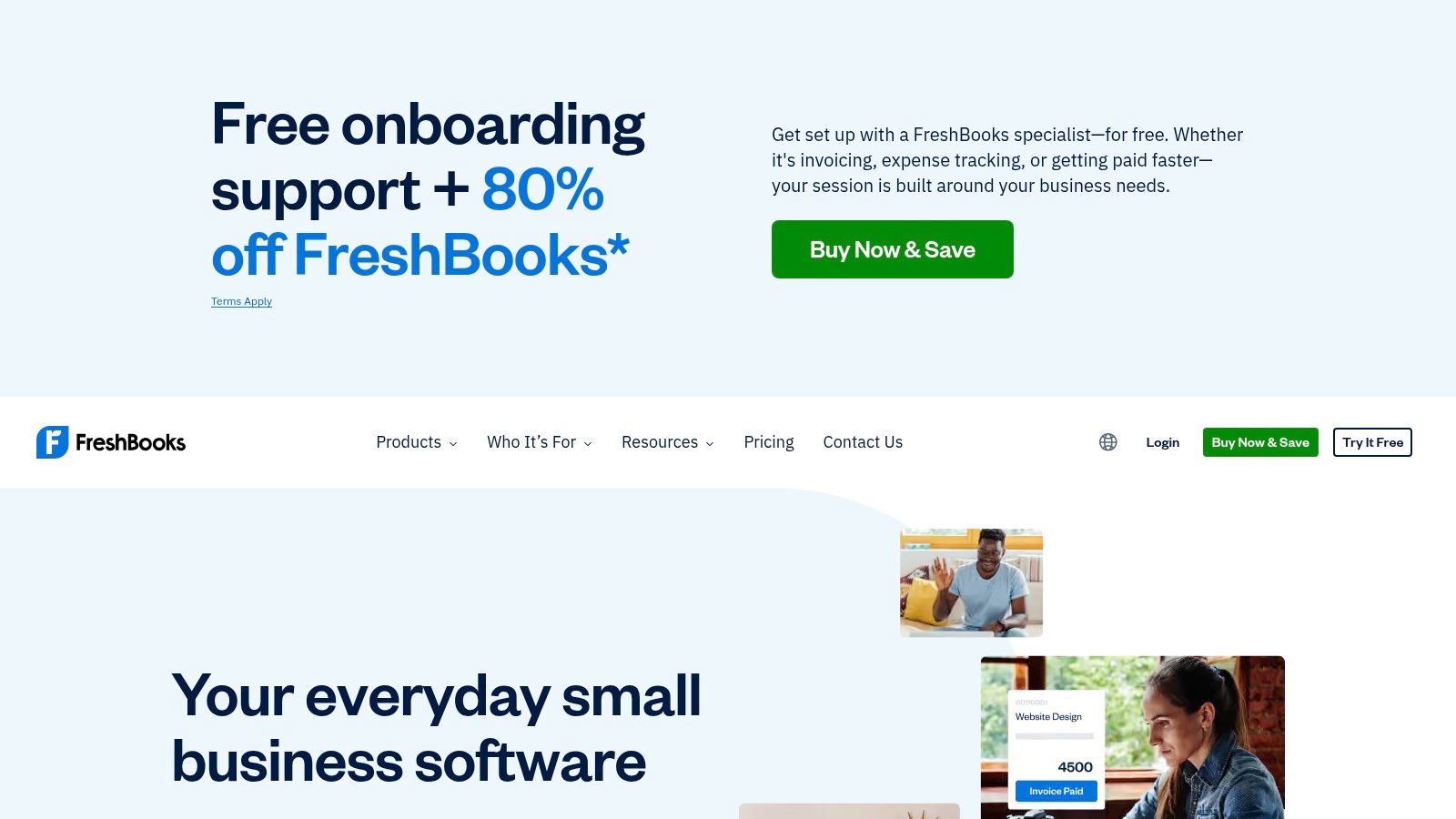
Clients can pay by card, ACH, and digital wallet, and automated late-payment reminders handle basic follow-up. Eligible plans include accounting reports and accountant access. For a small firm that wants billing and bookkeeping in one familiar interface, that's a coherent package.
The Commercial Limits
Lower plans limit the number of clients you can invoice. Team members and Advanced Payments may cost extra, so price the configuration you'll use, not the entry tier. A growing firm can cross client limits, then discover the upgrade during a billing cycle.
Method choice should be deliberate rather than decorative. This overview of B2B online payment methods is relevant because FreshBooks gives you rails, but your policy decides which one is presented first. For a small invoice, card convenience may be worth the fee. For a retainer or large milestone, ACH usually deserves prominence.
The trade-off is collections depth. FreshBooks isn't primarily a collections orchestration platform, so segmentation, promises-to-pay, and escalation logic are limited compared with dedicated AR software. It works best when most clients pay with light prompting and your main need is clean service-business billing.
A portal that offers every payment method equally hasn't made a decision. Your invoice size, margin, and settlement needs should decide the order clients see.
7. Wave Invoicing and Payments
Wave's free Starter plan includes basic invoicing and bookkeeping, unlimited estimates and invoices, and mobile invoicing. Clients can pay from emailed invoices by card or ACH. Customer and cash-flow information is available in one dashboard.
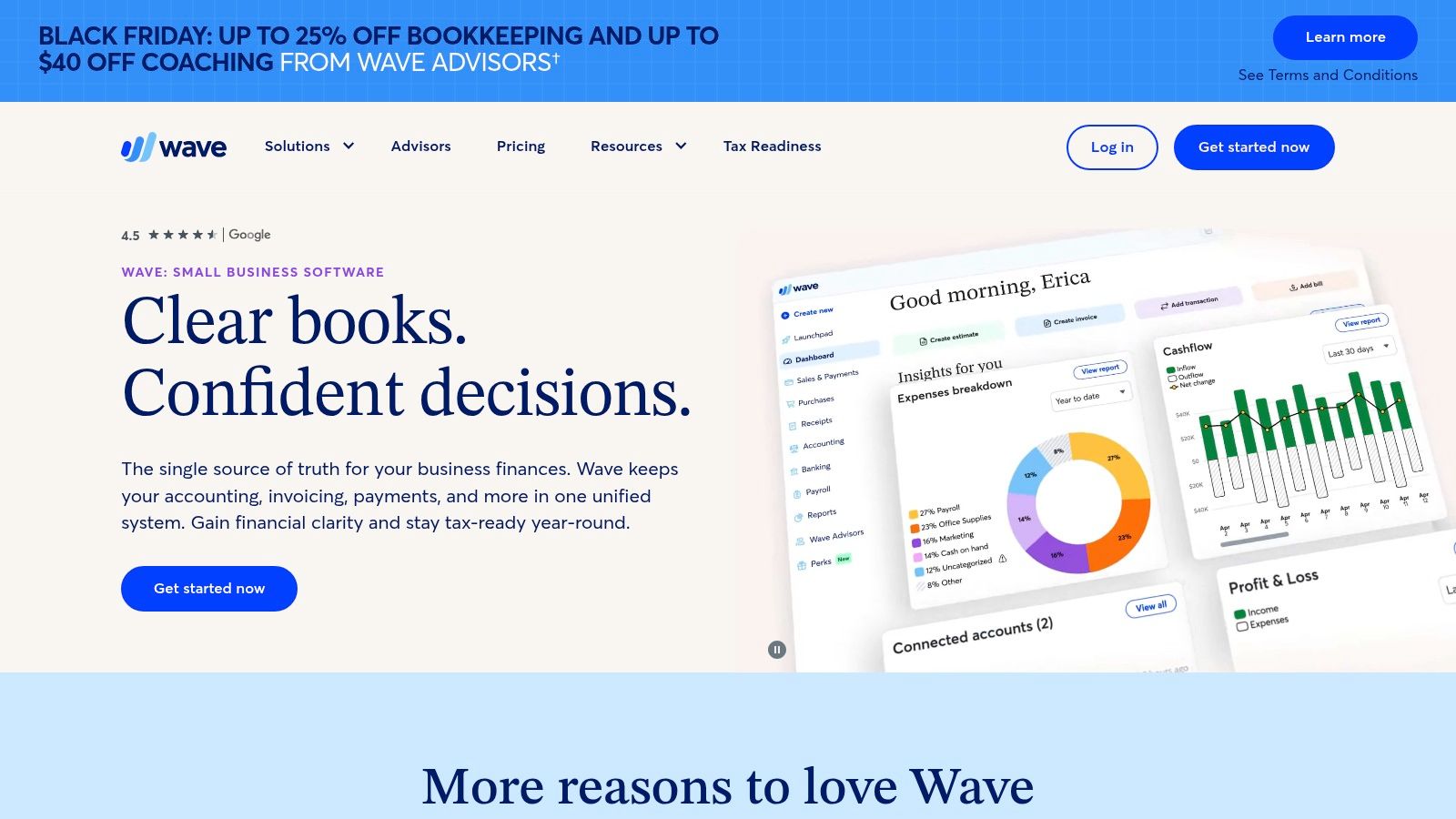
Pro adds automated late-payment reminders and bank-transaction tools. For a very small firm moving from emailed PDFs and manual deposit matching, that combines payment collection with basic accounting without requiring a larger finance stack.
Timing and Approval Matter
Online payments require approval, including identity verification and credit review. Complete that process before scheduling a billing migration. Settlement timing also matters for cash forecasts, especially when payroll or contractor payments depend on expected receipts. Set reminder timing around whether a payment has settled, not just whether the client says they sent it.
For the broader accounting decision, compare Wave and Xero. Wave is centered on invoicing, while firms with more complex customer account management may need a different fit. It suits businesses where low fixed cost matters and invoice volume, client complexity, and collections risk remain modest.
How the seven portals compare on entry cost, payment methods, and accounting sync
Entry cost matters, but it does not show how much work remains after a customer pays. For B2B invoices, compare payment options alongside the route from receipt to accounting records and the tools available for follow-up.
Item | Free entry point | Payment methods | Accounting link | Best fit |
|---|---|---|---|---|
Resolut | Kickstart plan, with QuickBooks Online connection and manual invoice upload | Cards, bank transfers, and digital wallets | QuickBooks Online integration with live invoice payment status sync | Teams managing collections and cash flow |
Stripe Invoicing and Customer Portal | Pay-as-you-go pricing | Online invoice payments; ACH credit and wire transfer reconciliation | Integrations and custom workflows available | Businesses seeking flexible online payments and customer self-service |
QuickBooks Payments | No monthly fee or processing minimum | Cards, ACH, Apple Pay, PayPal, Venmo, and eligible Affirm | Payments recorded in QuickBooks Online | Businesses already using QuickBooks |
Square Invoices | Square Free plan with no monthly subscription | Cards and ACH; in-person payments also supported | Invoice and payment records kept in Square; ledger export handled through your own bookkeeping process | Small businesses collecting payments online and in person |
Zoho Books Customer Portal | Free plan with invoicing, online payments, and portal access | Online payments through an enabled gateway | Built-in accounting and invoicing | Small firms wanting accounting tools and a customer portal |
FreshBooks Online Payments | Entry-level plan; client limits apply | Cards, ACH, and digital wallets | Built-in accounting; accountant access on eligible plans | Service businesses combining billing, expenses, and project accounting |
Wave Invoicing and Payments | Free Starter plan | Cards and ACH | Built-in basic accounting and bookkeeping | Budget-conscious small businesses needing invoicing and basic bookkeeping |
The distinctions are in the workflow. A payment portal handles the customer's payment; accounting sync determines how much receipt matching and status updating remains. Resolut connects to QuickBooks Online in one click, and invoice payment status syncs live when the connection is active. Its Kickstart plan supports manual invoice uploads as well as that connection.
Square keeps invoice and payment records in its own system, so firms should account for the bookkeeping steps needed to carry those records into their ledger. For the other tools, check whether the accounting link covers payment status, reconciliation, or only a connection to accounting software. A portal can simplify checkout without automating the work of managing receivables.
Choose the Portal Based on the Work After the Click
Start with transaction costs and the work required to reconcile payments. The Swiss National Bank's 2025 company payment survey found that companies viewed cashless payment fees as a significant problem, and roughly one-third were dissatisfied with their payment service provider. Model fees against invoice size, then decide which payment method to present first, which to keep as a fallback, and when faster settlement justifies the cost.
Next, trace the posting path. Send an invoice, make a partial payment, then pay the balance through a different method. Follow both receipts into the ledger. Check how the system handles remittance details, fees, refunds, and failed payments. A simple payer experience can still leave your AR team with manual reconciliation.
Controller's test: If a payment fails on Friday, who learns about it, what does the client see, and does the invoice reopen automatically?
Treat security as part of the workflow. The 2025 AFP Payments Fraud and Control Survey found that 79% of organizations experienced attempted or actual payment fraud in 2024. Verify bank-detail changes independently, preserve audit trails, and assign ownership for disputes and chargebacks. Apply extra verification where risk warrants it, rather than adding friction to every payment.
Clients also expect an electronic option. JPMorgan Chase's 2024 small business survey found that 90% of surveyed owners preferred receiving payments from vendors electronically. For B2B invoices, make the available methods clear and provide a receipt the paying business can file.
Review rejection costs and fee rules before launch. QuickBooks' published fee schedule lists an ACH or electronic-bank reject fee of $25 and a returned-check fee of $10. Treat a rejected payment as a collection event: it needs follow-up, not just a ledger adjustment.
A checkout-focused tool can make payment straightforward. Receivables software also needs to support follow-up cadence, payment promises, exceptions, and cash application. Choose based on where your team's time goes, and review your payment setup for services and digital products before changing client-facing terms. Resolut automates accounts receivable workflows, including outreach and live QuickBooks payment-status sync.
If your portal collects payments but your team still tracks status, matches deposits, and decides who needs follow-up manually, the gap is receivables orchestration, not another payment link. Resolut's hosted payment portal and automated outreach support that work, while live QuickBooks payment-status sync keeps invoice status current. A consumer-grade portal can make paying easier; the right receivables workflow also accounts for what happens after the payer clicks.